See what you're placing.
Open the library, search by name, or narrow the collection by category and subcategory. Pick from real asset thumbnails.
BUILT FOR BLENDER v0.7.1
The Asset Library 2
Spend less time hunting for assets.
Spend more time making something great.
245 textured models, surfaces and details, ready to browse, place and scatter inside Blender.
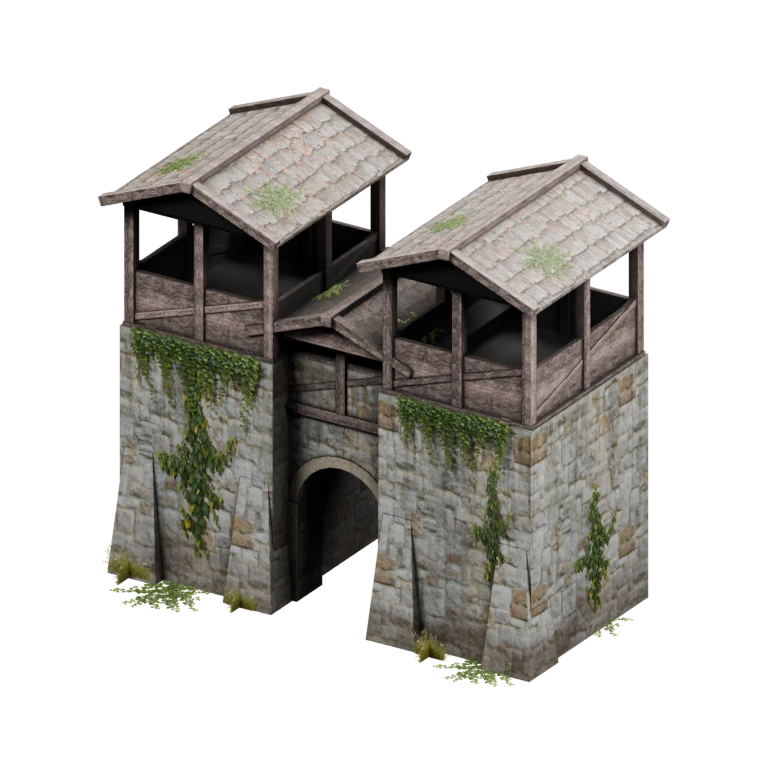
A collection to build with
From architecture to vegetation
Image textures packed in
Tested in Blender 5.2
A PLACE TO START
BUILD THE BIG PICTURE. FILL IN THE DETAILS.
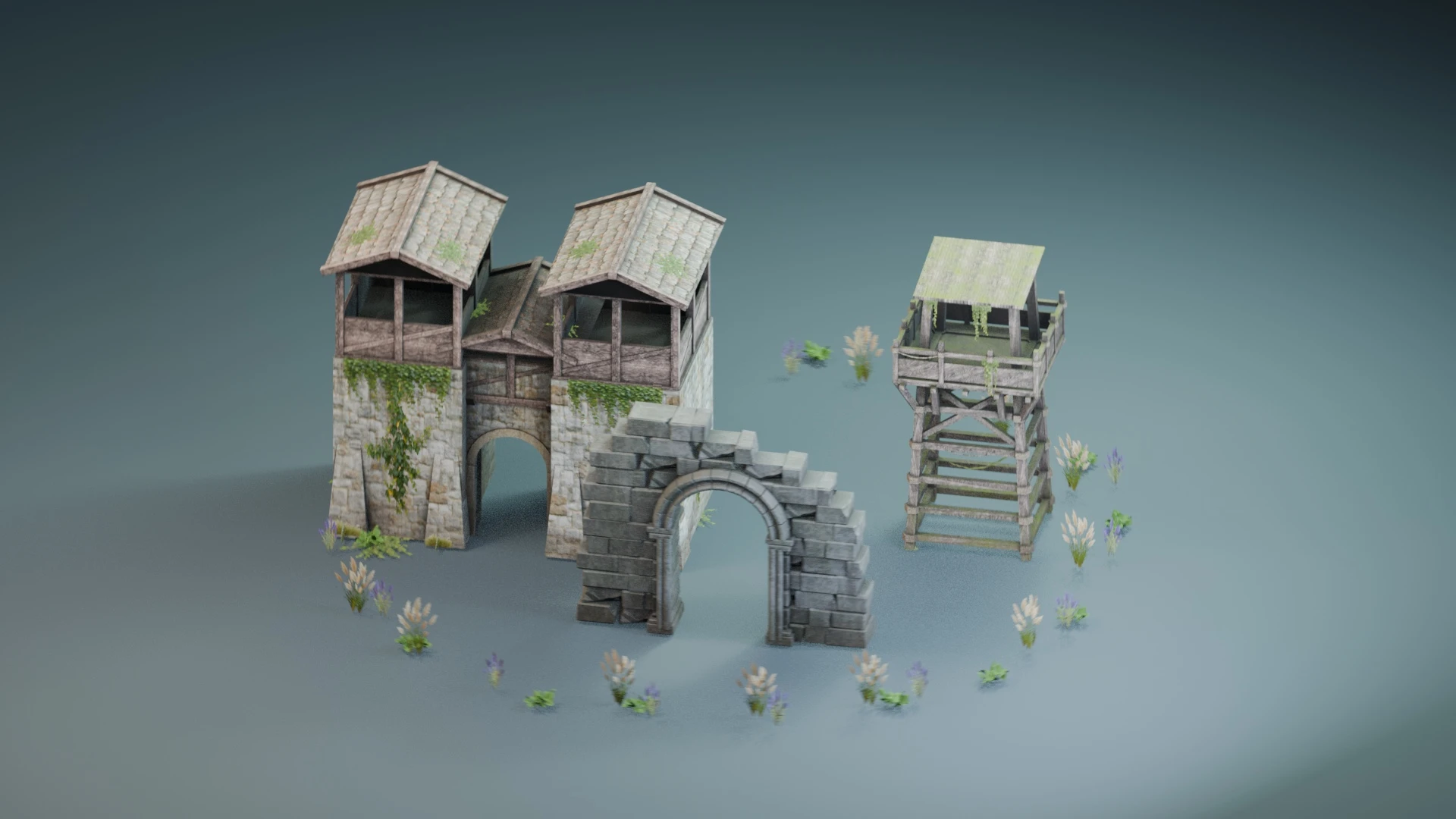
MEET YOUR NEXT BUILDING BLOCKS
Build a medieval courtyard. Dress an industrial rooftop. Add a tree, a cart, a character, or the last patch of ivy that makes a scene feel lived in.
245 assets in the collection
SELECT AN ASSET FOR A CLOSER LOOK
STAY IN YOUR SCENE
A thumbnail library and surface-aware brush, with the controls you need right in Blender's sidebar.
Open the library, search by name, or narrow the collection by category and subcategory. Pick from real asset thumbnails.
Add a model at the 3D cursor or paint assets onto scene surfaces. Mix selected assets in a brush stroke.
Select a scatter to change its spread, density, scale, scale variation and random rotation. Brush, Scatter and General settings live in the sidebar.
Less folder diving.
More scene building.
THE SAME ASSET. YOUR DIRECTION.
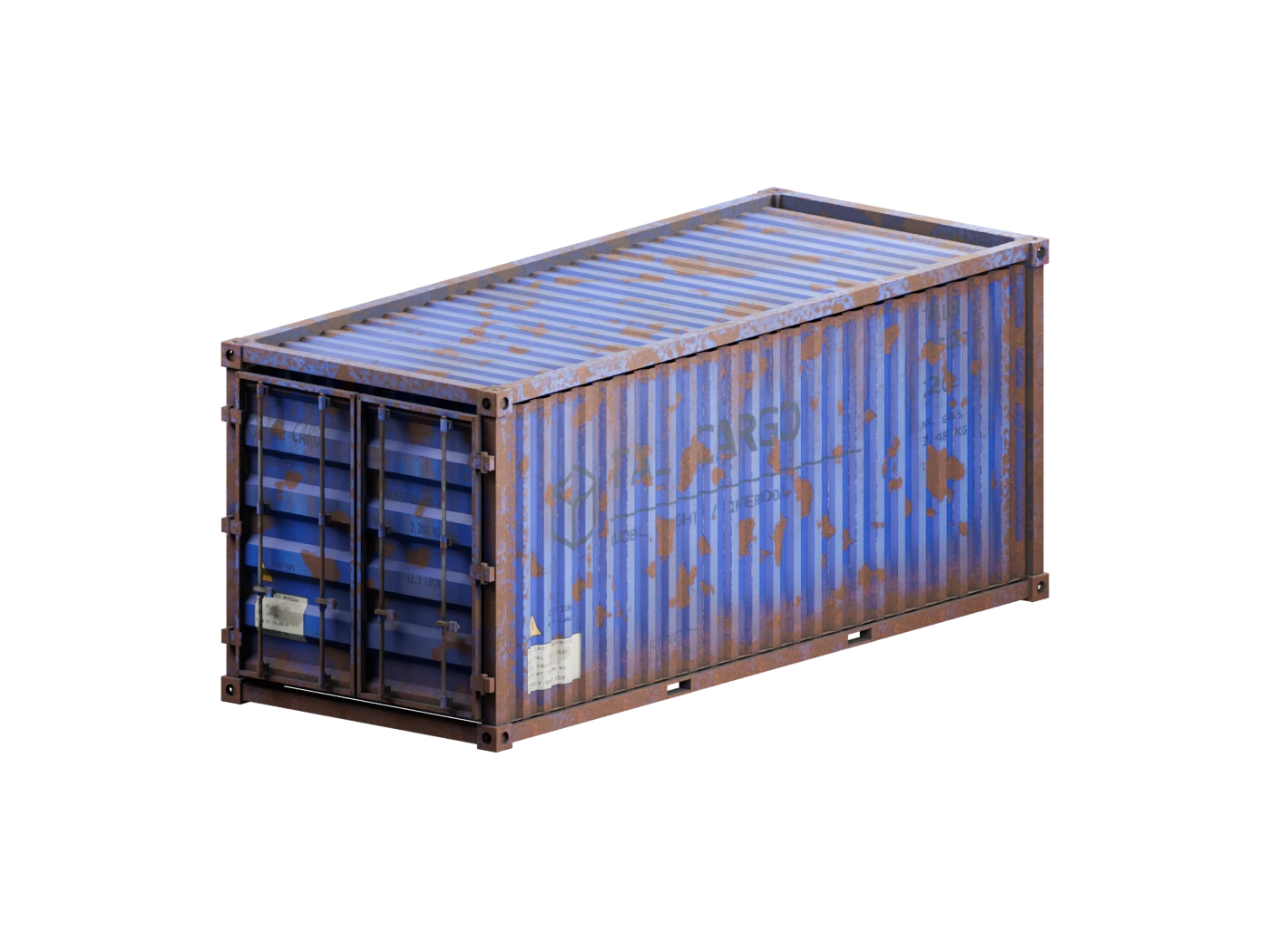
Customize the shipping containers with per-object paint color, roughness and variant controls. Recolor the paint while rust, dirt, markings and bare hardware retain their own colors.
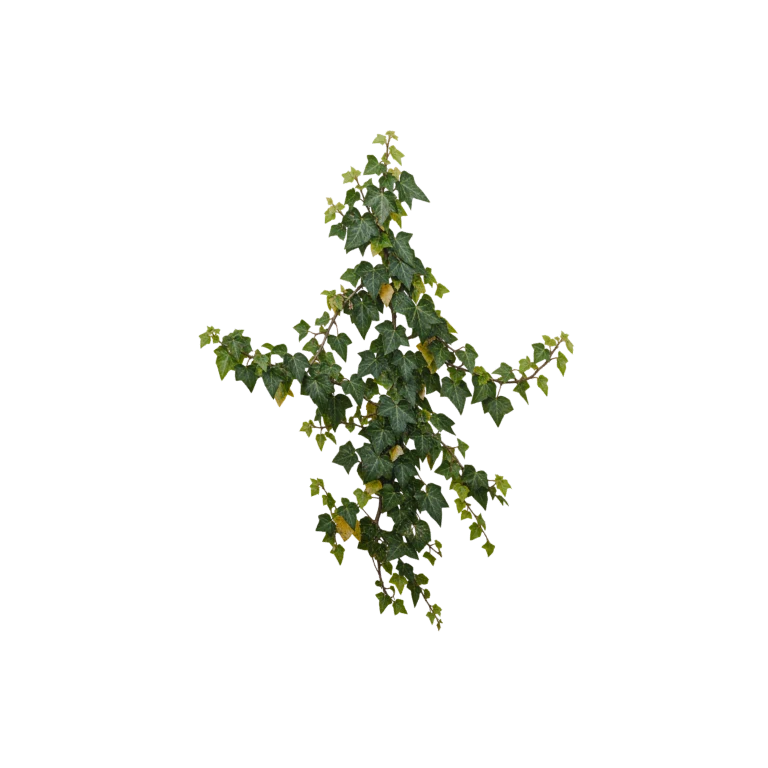 TREES, VINES, ROOTS & SMALL PLANTS
A LITTLE LIFE GOES A LONG WAY
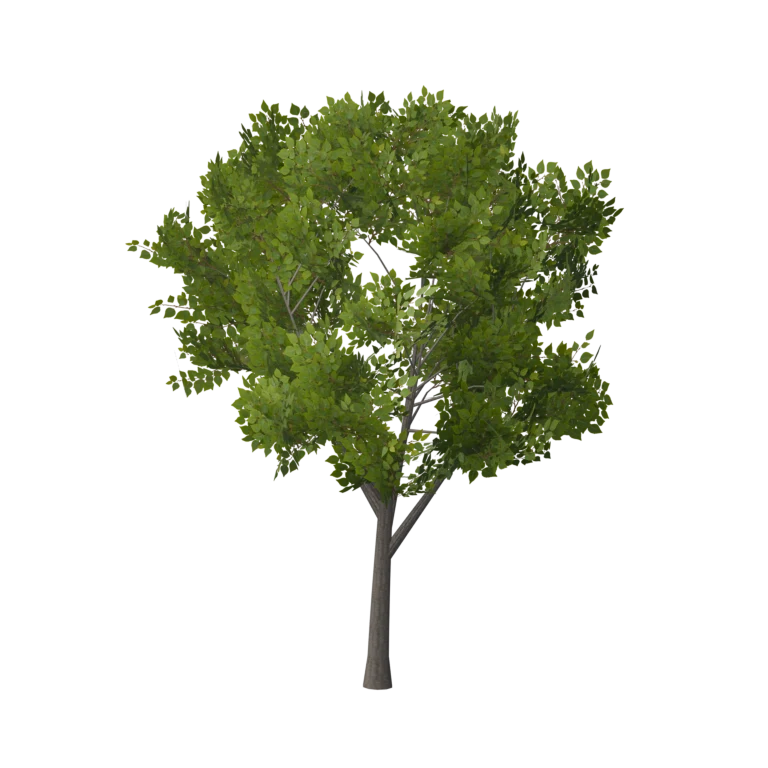
Add broadleaf trees and conifers, hanging vines, flowering creepers, roots and ground plants. Supported medieval buildings also let you switch their included overgrowth on or off per instance.
Explore the nature collectionA LIBRARY THAT'S EASY TO UPDATE
Install a library update ZIP from Settings → General. New and revised assets appear in the browser, with supported customization and placement settings included. Installed updates are stored separately from the add-on.
THE PRACTICAL DETAILS
245 published assets across Architecture, Nature, Props & Furniture, Industrial, Materials & Decals, and Characters & Animals. Explore the searchable gallery above to see every included asset.
Yes. The distributed Blender assets contain their image textures. You don't need to keep an external texture folder beside the add-on.
Yes. Select the scatter object to adjust spread, density, scale, scale variation, random rotation and surface offset. You can also use the Scatter tab in the sidebar settings.
The eight shipping containers support paint color, roughness and variant controls. Supported medieval buildings have a per-instance overgrowth toggle. Available controls depend on the selected asset.
Version 0.7.1 was validated in Blender 5.2, including packed-image loading and inserting every asset twice with independent transforms. The add-on declares Blender 4.2 as its minimum; other versions have not been validated in this release.
Open the gear beside Open Asset Library, choose General, and install an asset update ZIP. An update can add new assets or replace library versions without downloading the whole collection. Existing objects already in your scene keep their geometry.
245 assets. A lot of places to go.