
You can’t always rely on Blender for texturing or PBR materials downloaded from some sketchy free site. Sometimes you need to start from absolute zero—creating every rock, every scratch, every color, every pixel from basic math nodes and procedural textures like noises and gradients.
Blender can sort of do this…
But let’s be honest: it doesn’t come close to Substance Designer—the industry’s go-to for building textures and shaders from the ground up, whether you’re going for hyper-realism, stylized art, or pure abstract madness.
Designer gives you surgical control over how materials behave. Want dust collecting only in crevices? Done. Want a stylized mossy brick wall that looks painted but has depth? Easy. Its node system is packed with generators, processors, filters, and all sorts of mind-melting ways to make beautiful messes. It’s no surprise it became the standard in AAA games and high-end VFX pipelines.
But here’s the kicker: Adobe owns it now. Which means subscriptions. And if that makes you feel like your wallet’s been procedurally eroded… you’re not alone.
Luckily, there’s a hero in the shadows.
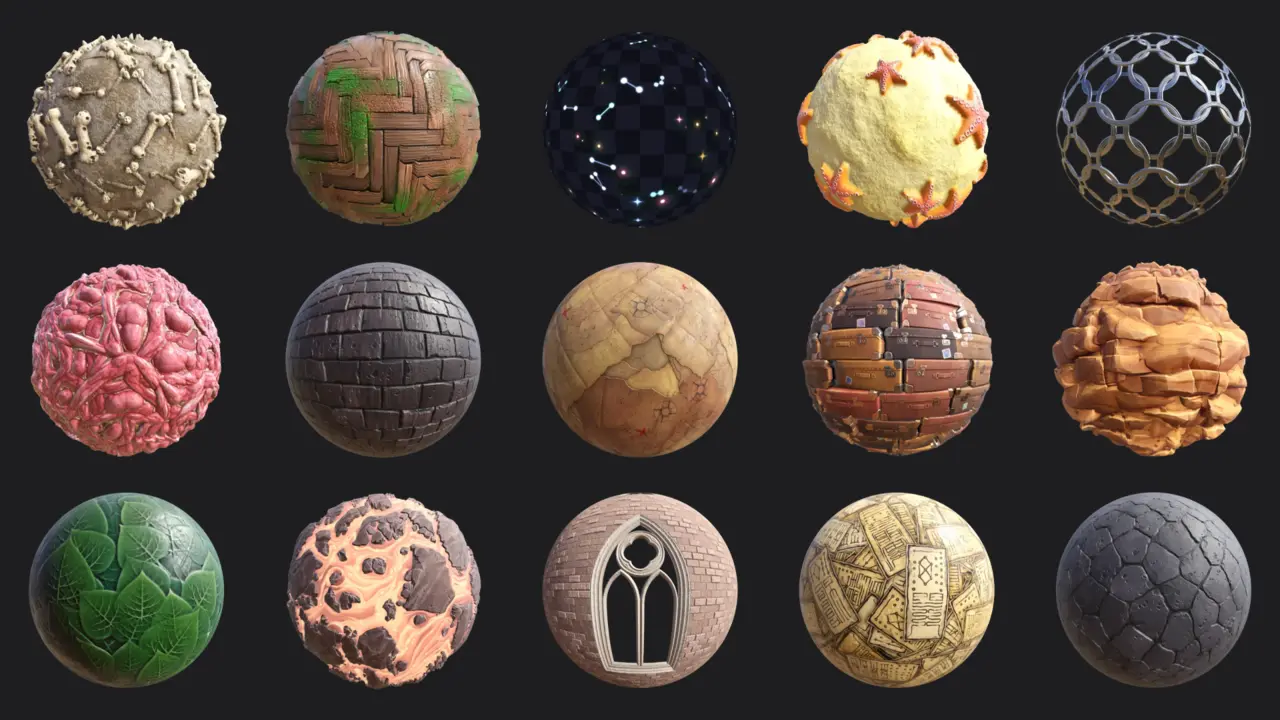
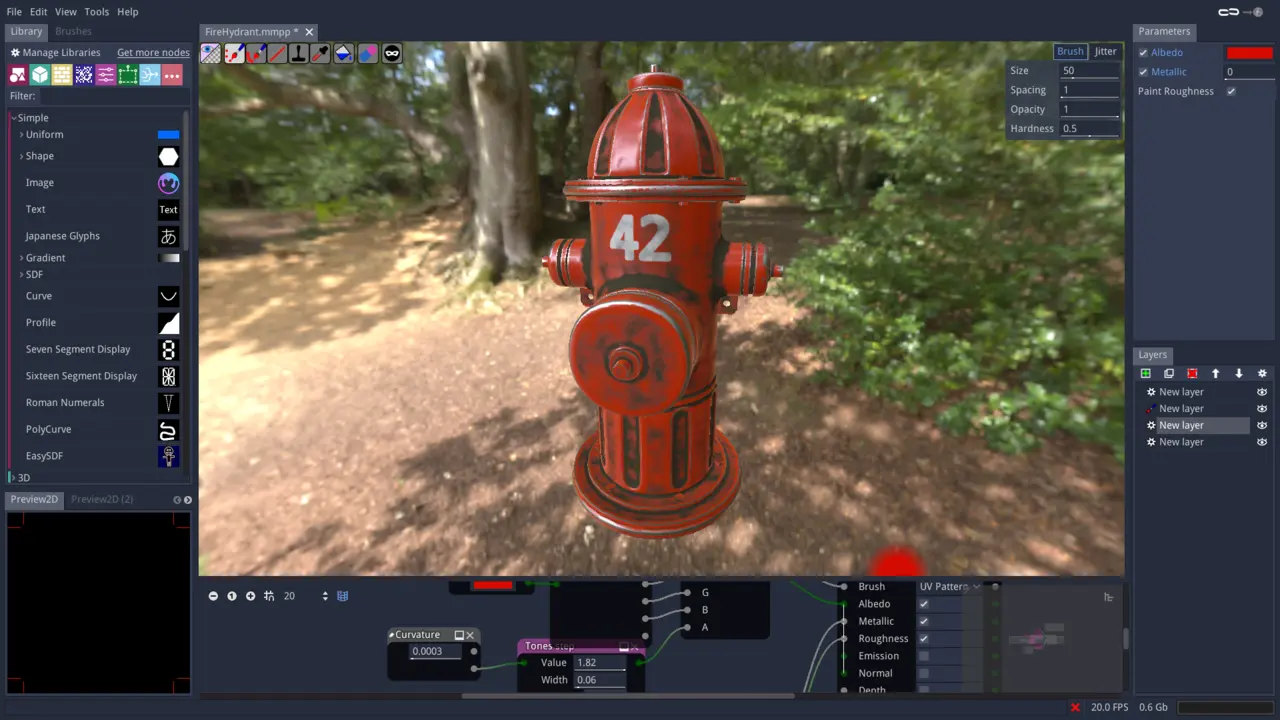
Material Maker—the free, open-source alternative that does so much more than you'd expect.
At first glance, it’s basically Substance Designer’s free younger sibling. Same node-based workflow. Same PBR map outputs. Same “make a texture from math” vibe. It even comes with a 3D preview, node groups, and export options for use in game engines or Blender.
But dig a little deeper and you’ll see it has a personality of its own.
Material Maker is built on Godot—a real-time open-source game engine—so everything it does is lightning fast and optimized for real-time rendering. That makes it super attractive for game devs looking to pack punchy visuals without frying performance.
It also has a shader editor. Yes, you can go beyond just textures and actually code your own GLSL shaders if you want. Blender doesn’t do that out of the box. And while Material Maker might not yet have high-poly mesh baking or all the fancy knobs of Designer, it’s evolving fast with a passionate community driving it forward.
So here’s the breakdown:
- Substance Designer: Powerful, polished, industry standard. But pricey and subscription-based.
- Blender: Great for basic procedural materials and previews, but not built for deep texture authoring.
- Material Maker: Free, fast, and freakishly capable for something that costs zero dollars.
If you’ve ever wanted to create your own materials from scratch without pulling out your credit card—or pulling out your hair—Material Maker is 100% worth a shot.
And hey, even if you still use Blender for final renders, it doesn’t hurt having another tool in your node arsenal. Especially when it’s free.