

Sample sound node
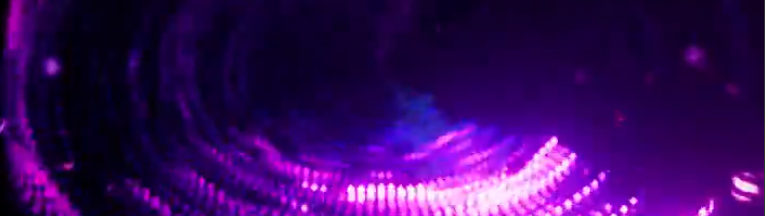
sound has finally arrived in geometry nodes, and honestly this changes everything. gone are the days where you had to bake audio into curves just to get any kind of interaction. with the new sample sound node, everything is now fully procedural. welcome to blendereverything, and in today’s video we’re looking at some of the biggest features coming to Blender 5.2, from texture caching and indirect GI to much more. but let’s start with sound, because this one is a game changer. taking a look at these amazing demos from Cartesian Caramel, the workflow is surprisingly straightforward. you drop your audio into the video sequence editor, then inside geometry nodes, the sample sound node lets you pick that clip directly, giving you access to frequencies and different data channels you can use to drive geometry and shaders. it finally makes it easy to build those classic 90s media player visualizers inside Blender. if you want to see how well these match the sound, check out the links below.
texture caching
https://projects.blender.org/blender/blender/pulls/154913
if you’ve ever run out of memory while rendering, this new cycles update is going to feel like a lifesaver. normally an 8K texture gets fully loaded into memory even if the render doesn’t need all that resolution. with texture caching, Blender dynamically reduces textures to only what’s needed, sometimes even loading just specific tiles. this cuts memory usage and speeds up render start times since there’s less data to load. it also works with procedural and mixed textures, which are usually heavy on memory. the feature is still early and a bit buggy, but those quirks actually show how it works, you can literally see missing textures or caching happening in real time.
skulpt brush
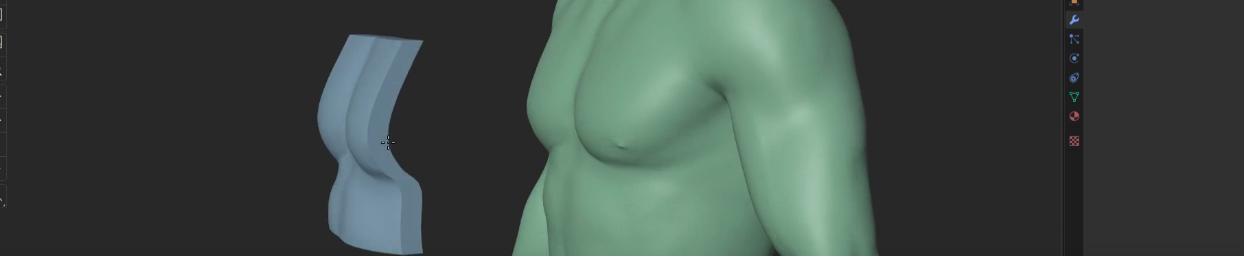
https://projects.blender.org/blender/blender/pulls/136342
on the sculpting side, there’s a new project brush that works a lot like the shrinkwrap modifier. it lets you project geometry onto surfaces underneath, making it perfect for things like armor, clothing, or objects that need to conform naturally. it’s also great for footprints, dents, or stump details without needing complex setups. there’s even a volume preservation option so your mesh doesn’t collapse into a thin surface, and in some cases it can even be used as a rough retopology tool.
EEVEE: Fast GI
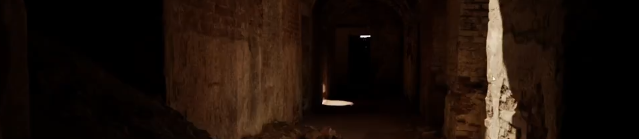
for the longest time, Unreal Engine with lumen has had the edge in real-time lighting, but eevee is catching up. you can now independently control direct and indirect lighting intensity, giving you much more artistic control over your scenes. demos from Gleb Alexandrov show how powerful this is, especially when isolating indirect lighting for stylized results. on top of that, there are fixes for ambient occlusion leaking, improvements to texture sampling, LOD scaling, and a lot of under-the-hood upgrades that make eevee feel much more solid overall.
Blender 5.2 on iPad Pro M2
https://www.reddit.com/r/blender/comments/1s6qoub/blender_52_on_ipad_pro_m2/
blender for ipad might not be official yet, but thanks to its open-source nature, anyone can push it forward. that’s exactly what Sergei Almazov is doing, bringing Blender 5.2 to the iPad Pro M2. it’s not fully polished yet, but it’s getting close, and honestly it makes a lot of sense. workflows like sculpting and texture painting translate perfectly to a portable device, and with millions of ipad users out there, this could open up a completely new way of using Blender on the go.
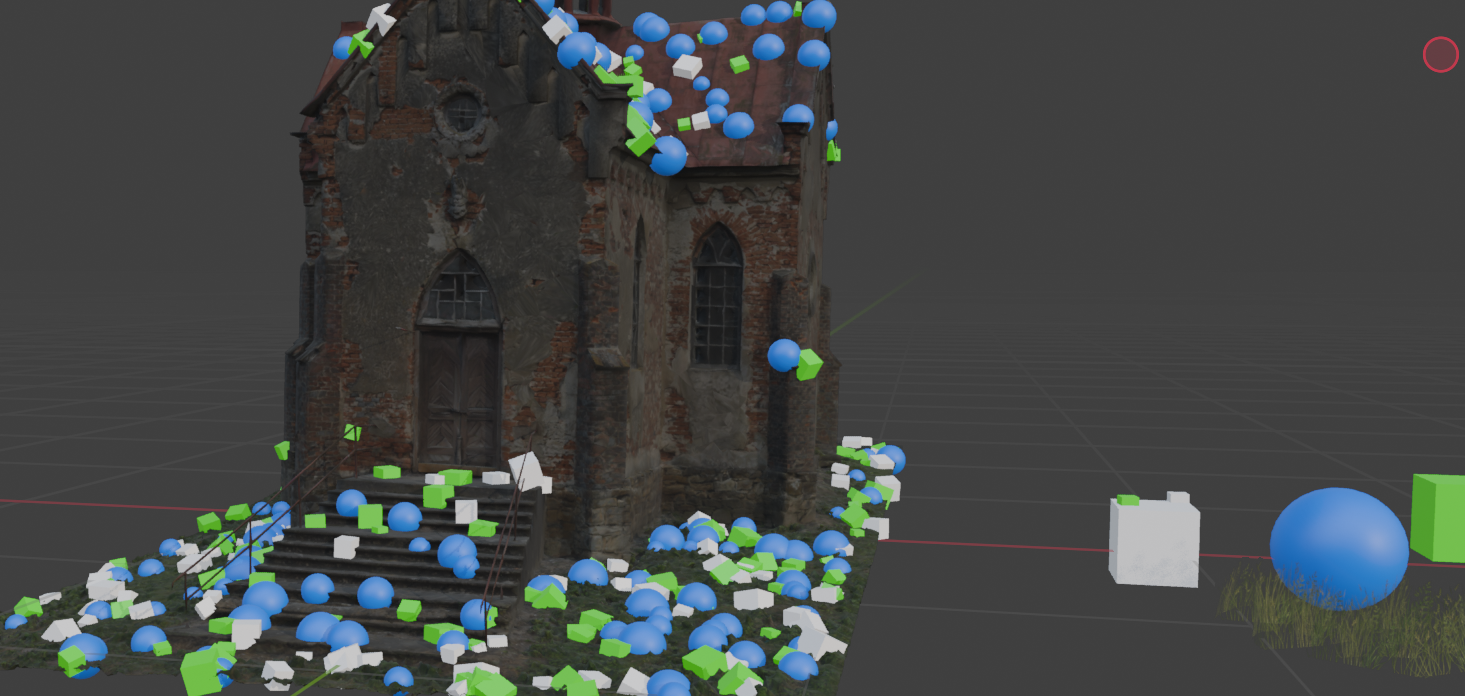
and if you’ve been following my blender ui redesign, you already know i’ve been adding a bunch of new features and improvements, including a brand new scatter tool. when you use it, it generates points based on different bounds like planes, circles, or boxes, and those points can be turned into instances. just select the objects you want, head into the instance tab, and add them. removing is just as easy, select the object, select the points, and hit remove selected. the system can scatter randomly, but you still have full control, you can delete individual instances, paint new ones in, or go in and tweak points by moving, rotating, and scaling them however you want. and this is just the beginning.
if you want to test the addon, you can grab it from my patreon or gumroad using the links in the description. and while you’re at it, don’t forget to check out the true image editor addon, it now supports custom masks and procedural textures. thanks for watching, and i’ll see you in the next one.