

i love my job as a 3d artist, but i hate the grind of sweating for every tiny detail in a scene. need a car? that’s days gone. need a tree? there goes another day. need a river? that’s at least two days of simulating and testing. so today, let’s look at some addons that just get you results—basically a lazy workflow that gives you what you want without all that grind.
icars
https://superhivemarket.com/products/icars?ref=311
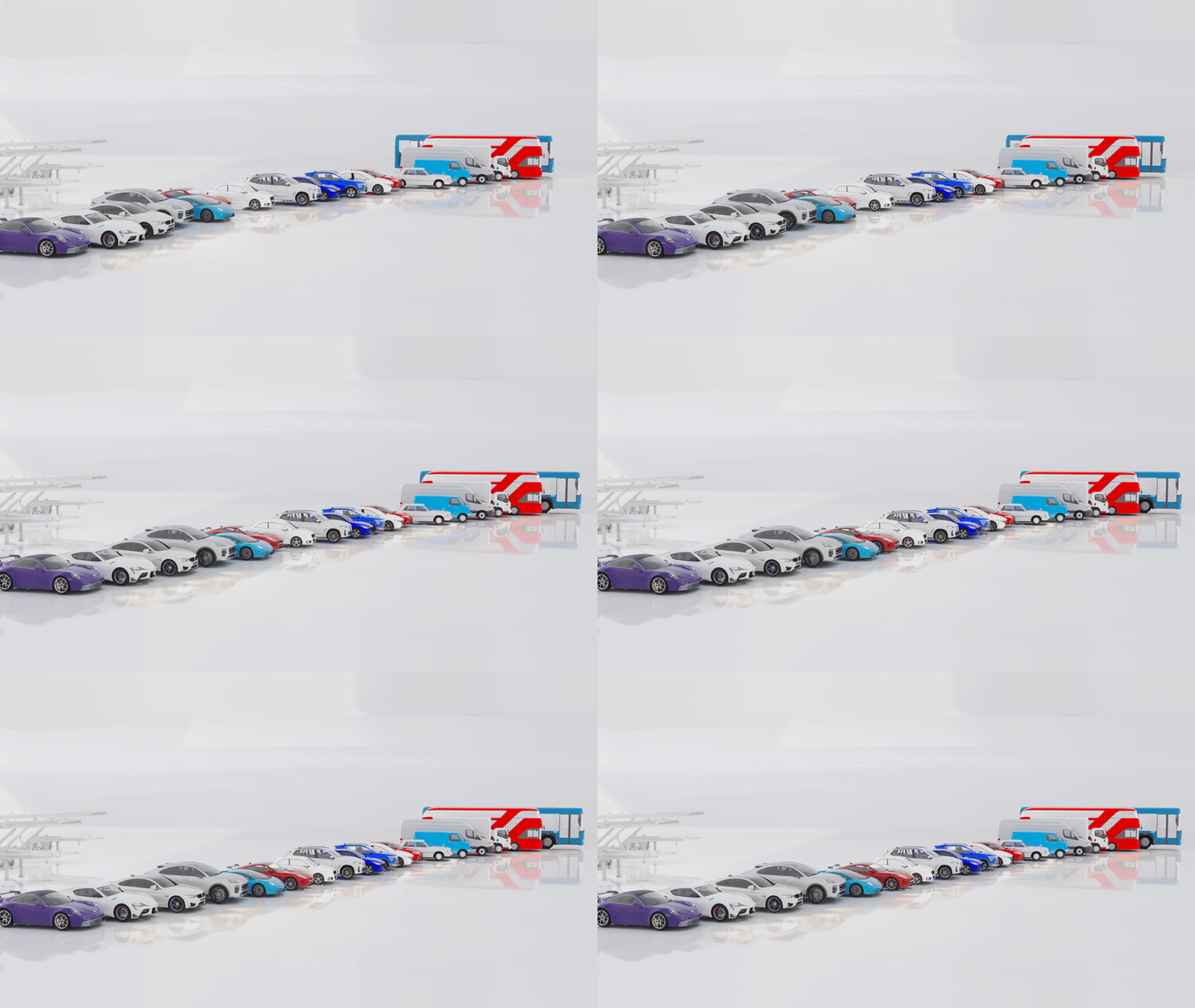
let’s start with icars, a collection of 18 cars with animation, a traffic control system, and a rigging setup so you can add even more cars that take advantage of the tools. you animate cars using curves to tell them where to go, with simple speed controls. there’s also this ghost control feature where you can jump to different intervals and tweak animation easily. but honestly, the best part is the traffic simulation—hundreds of cars following rules while you still have full control over everything.
divine cut
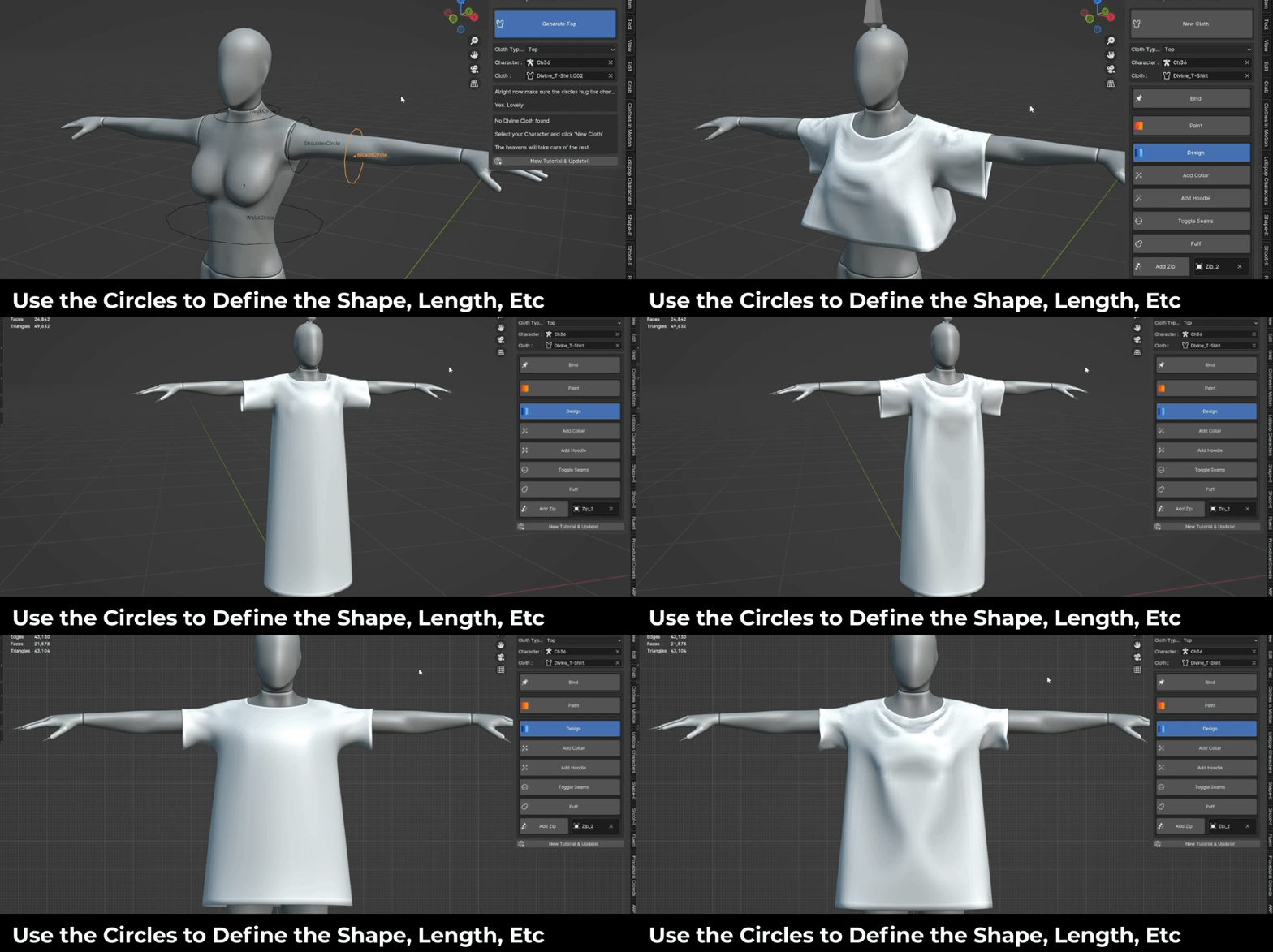
https://superhivemarket.com/products/divine-cut-smart-cloth-generator?ref=311
another solid one is divine cut. this isn’t just a clothing library—you can actually design your own clothes, animate them, and simulate everything. if you don’t know how crazy that is, try animating a character taking off a shirt without it. on top of that, the interactive cloth simulation is something you usually only see in clo or marvelous designer. it’s been updated a lot over time too, now on version 4 with more clothing, accessories, and features. huge time saver.
Dystopian Blocks

https://superhivemarket.com/products/dystopian-blocks-brutalist-structures-kitbash-buildings?ref=311
if you’re building a dystopia, this is an easy pick. it’s a massive collection of brutalist architecture that’s already textured, optimized, and lightweight. everything is designed for easy scattering, with over 140 assets to build out a full city. proper uvs, pbr materials, all ready to render.
Titan Core – Scifi Constructs Kitbash Buildings
https://superhivemarket.com/products/titan-core-scifi-constructs-kitbash-buildings?ref=311

if you want to go sci-fi instead, titan core has you covered. hundreds of buildings, all with strong design and solid texture detail. they also work really well with geo scatter’s biome system, so you can build massive cities that still look intentional instead of random noise.
realui buttons
next up, you have to check out real ui buttons—this is my own addon. it’s basically an attempt to make blender more user-friendly with a floating ui bar that gives you quick access to operators. things like bend and twist work directly in edit mode with a gizmo, so you’re not guessing how the modifier behaves. there’s also a scatter operator where you can paint instances directly without setting up vertex paint or particle systems, and everything stays organized so your outliner doesn’t turn into chaos.
Icity | City Generator Addon

icity is basically a lazy artist’s dream. you think of a city, and it’s there in seconds. it works off a mesh—each face becomes a city block, each edge becomes a road, complete with traffic lights, markings, parking, everything. and it’s fully detailed. since it’s from the same creators as icars and icrowds, traffic just works out of the box, and crowds feel right at home in those streets.
Plating Generator
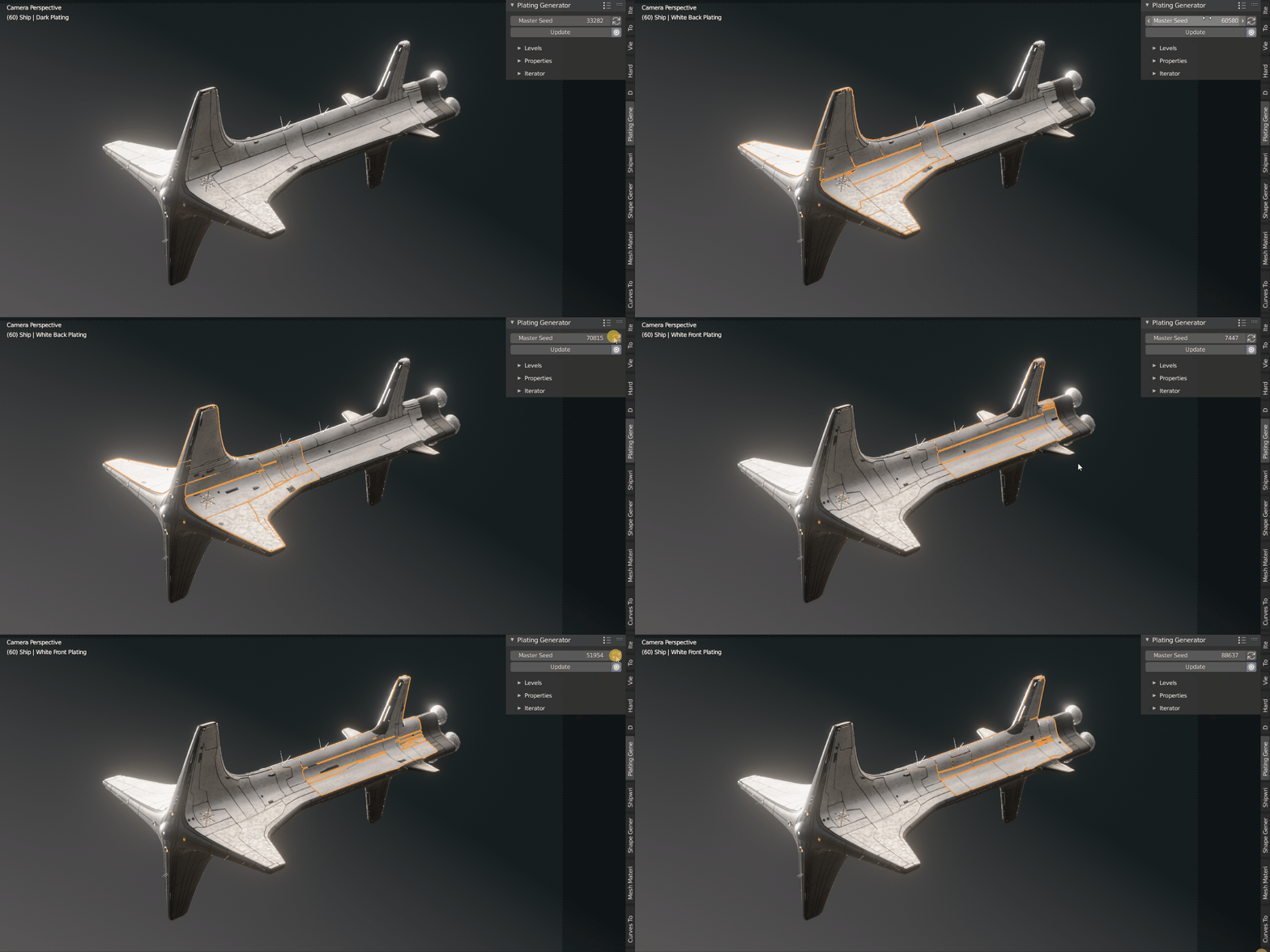
https://superhivemarket.com/products/plating-generator?ref=311
if you need detail without the effort, plating generator is perfect. it adds procedural patterns to any surface—plates, grooves, rivets, greebles, all of it. unlimited variations, and it works on pretty much anything: buildings, vehicles, machinery, spaceships.
shipwright
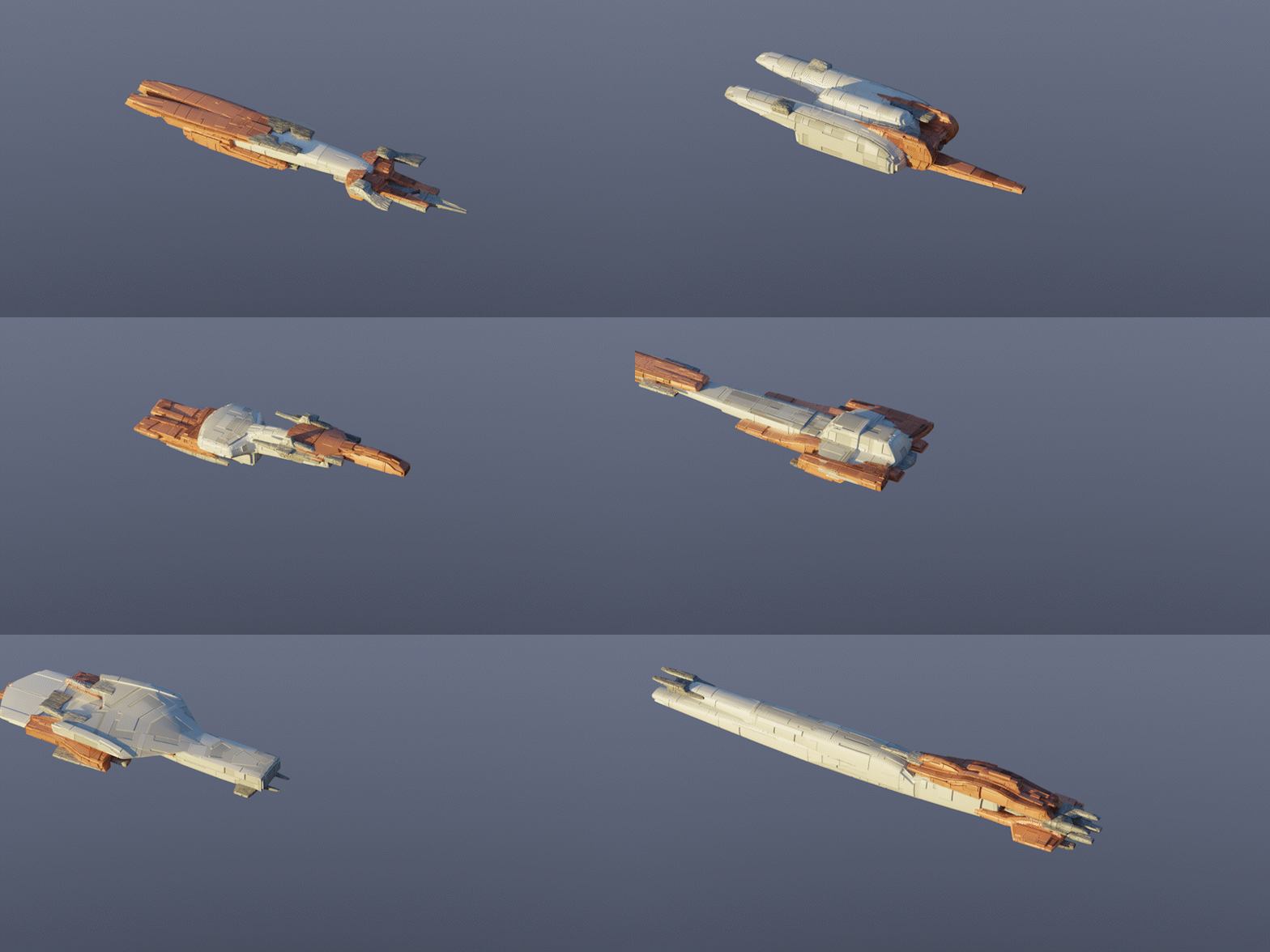
https://superhivemarket.com/products/shipwright?ref=311
and if you’re doing a space battle, don’t even think about modeling ships manually. shipwright gives you hundreds, even thousands of unique ships in seconds. each one has its own silhouette and plating, so nothing looks duplicated, and materials are generated automatically.
Physical Water FX Deluxe
https://superhivemarket.com/products/physical-water-deluxe?ref=311
bringing it back down to earth, physical water fx gives you realistic water shaders and generators for pretty much any scenario—beaches, rivers, ponds, pools. you get ripples, floating particles, fake caustics, foam, rain effects, and full control over water levels. it just handles all the annoying parts for you.
Physical Fog Addon | Photorealistic Volumetric System

https://superhivemarket.com/products/physical-fog-addon?ref=311
it would also be great to have something like physical fog, because it’s one of those subtle layers that completely changes how a scene reads. without it, everything feels too clean and a bit too sharp. setting it up manually can get messy with volume shaders and performance issues, but a proper setup makes it predictable. you can shape depth, separate foreground and background, and guide the viewer’s eye without adding more geometry.
Light Wrangler:
https://superhivemarket.com/products/light-wrangler?ref=311

next up, we also have light wrangler, which is basically what lighting should have been from the start. instead of placing lights and guessing where reflections land, you just point and click. want a highlight here? done. want a reflection to hit a specific edge? done. it removes all the trial and error and makes lighting feel more direct. especially for product shots or motion graphics, it speeds things up a lot.
Physical Open Waters - Ocean
https://superhivemarket.com/products/physical-open-waters?ref=311
and finally, it would also be great to have something like physical ocean, because water is one of those things that can easily eat up your entire day. waves, foam, scale, shading—it all adds up fast. a good ocean system gives you believable results right away with controls that actually make sense. you can go from calm water to rough seas without rebuilding everything, and it holds up in both stills and animation, letting you focus on the shot instead of the setup.