
There is no way around it—AI is here. Fortunately, it doesn't seem to be replacing animation or filmmaking anytime soon. AI tokens are still expensive and heavily subsidized by billions of dollars from investors, so we don't really know the true cost yet. But despite that, AI is carving out a niche for itself. Call it slop, call it uninspired—it's here nevertheless.
One of AI's biggest problems has always been control. Every time you generated a scene, you were essentially starting from scratch. Even making a small change often meant getting a completely different result. But as you'll see in these posts, 3D artists have had precise control over their work for years using Blender, 3ds Max, Maya, and Unreal Engine. These tools are excellent for previs before filming, and they're now proving incredibly useful for guiding generative AI.
Take this example from AI Warper. They wanted a car doing donuts around a woman. If you simply wrote a prompt describing that scene, the AI wouldn't know how you wanted the camera to move, what focal length to use, where to position the camera, how the car should drive, or exactly where the woman should stand. You could try describing all of that in text, but blocking out the scene in Blender is much faster and far more accurate. You can switch between cameras, animate the camera however you like, and the AI simply follows your direction.
If you're not comfortable with 3D, you can also block out your animations with dolls, like Gabi C. did here. It's more limited, though. You can't animate the camera as smoothly or switch to aerial shots without losing detail, and there are certain sequences—like fight scenes—that are difficult to pull off. Even so, it's another way to gain more control over AI-generated video.
Another approach is combining Blender with Claude Code through MCP. You can connect Claude to Blender, have it block out the scene, animate the camera and characters, then export everything for AI rendering. Personally, I still think doing it yourself is faster and gives you much more flexibility than asking Claude to do it. There are hundreds of free animation libraries, like Mixamo, that work perfectly with Blender, along with paid options for fully dressed characters from Blender add-ons like Population, iCrowds, Procedural Crowds, and many more. With these assets, your previs becomes much more detailed, giving you greater control over the final result. At that point, the AI starts behaving less like an artist and more like a render engine.
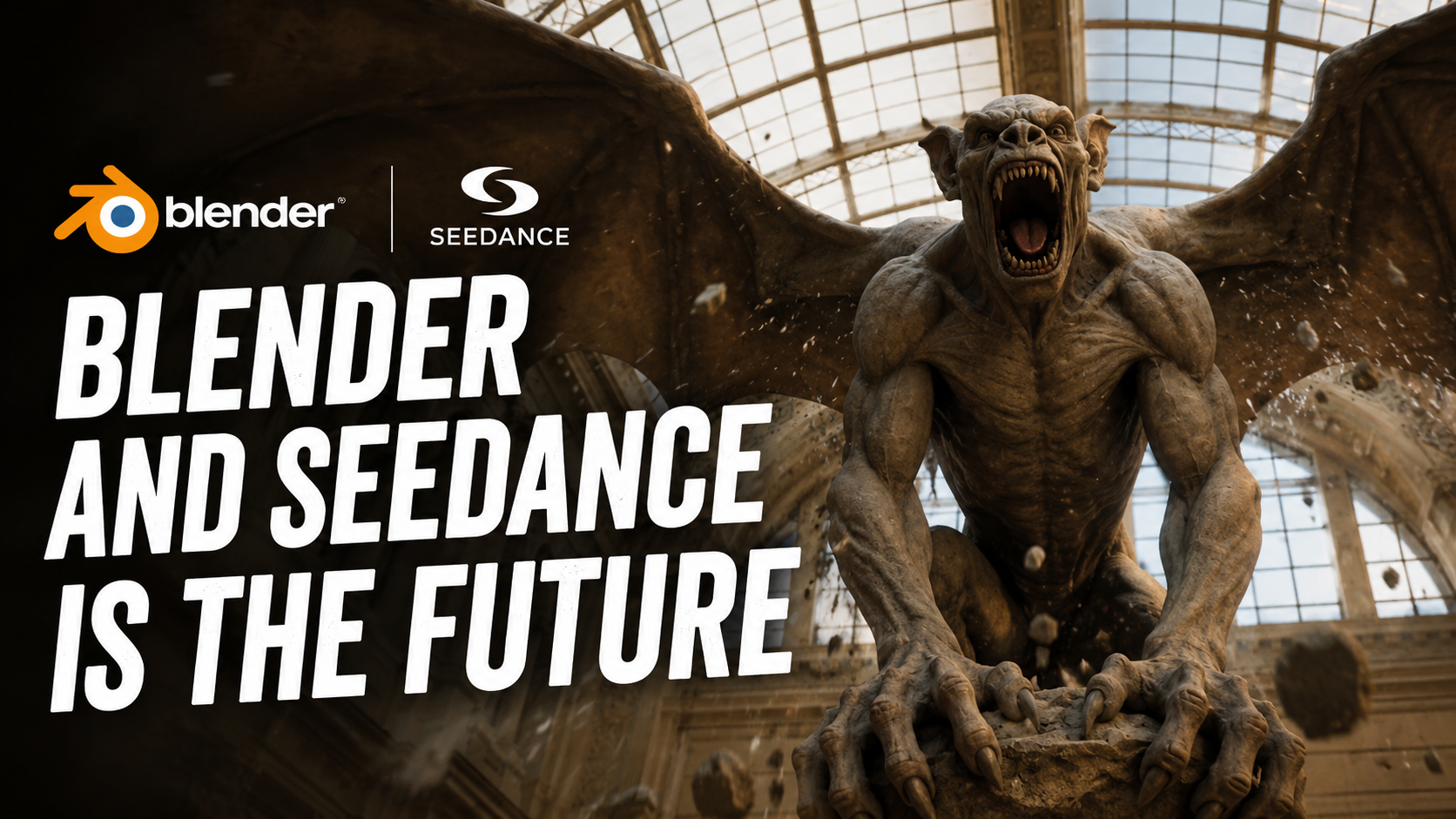
You don't fully appreciate how valuable 3D skills are until you see videos like this one from Reid Hannaford. Honestly, I wouldn't be able to tell this was AI-generated. His workflow was simple: generate the first frame in Midjourney, block out the animation in Blender, then feed both into Seedance. The Blender scene only contained rough timing, camera shake, and spatial choreography, while Seedance handled the speed, motion, and action. Without that Blender foundation, I doubt the final result would look anywhere near as convincing. What's even more impressive is that the scene is mostly made of cubes. Most of what makes it feel cinematic comes from the camera movement. And you don't develop that kind of camera work without spending years working in 3D. That's why experienced 3D artists have a real advantage over most AI users.
Another great example comes from TechHalla, using Blender 5.2's MCP server with Cursor, an AI coding assistant similar to ChatGPT or Claude Code. They generated terrain with a windmill, a castle, and farmland, animated the camera inside Blender, and instead of rendering with Cycles, they exported everything to Seedance 2.0. The results include realistic vegetation, materials, and animation that closely matches the Blender viewport frame by frame.
But if you look closely at the castle, you'll notice something interesting. It still doesn't quite make sense. Underneath the realistic textures, it's basically the same rough cube structure from the Blender scene. That's why I keep saying the future of 3D isn't just prompting AI. It's going to be a combination of traditional 3D applications like Blender, high-quality asset libraries, and AI working together. If they had used a proper castle asset—or even Blender's procedural castle generator—the result would have been much more convincing. The same goes for vegetation. Libraries like Aborea can generate forests and trees without leaving everything to the AI. It's no longer just a prompting game. It's about combining assets, art direction, and AI to achieve exactly the result you want.
Another thing I've noticed across these posts is how important the camera has become. It's doing much of the directing, establishing the mood, the composition, and the atmosphere. In this scene from Reid Hannaford, the characters barely move. They're standing around a table in mostly static poses, while the rest comes from prompting. Yet the camera movement is what makes the shot feel cinematic. It establishes the scene, guides your attention, and creates the emotional focus. In many ways, it puts directing back into the hands of the creator.
This final example from AI Warper also shows that this workflow can be pushed as far as you want. Here, the AI is mostly acting as a style-transfer layer over the previs. It follows the original animation almost perfectly. Because the underlying animation isn't especially polished, neither is the final result. That means if you're confident in your animation skills, you can animate everything yourself and let AI handle the rendering. Or you can simply block out the scene and let the AI fill in the details. Either way, I'm glad to see that the future of AI-assisted filmmaking is shaping up with 3D artists firmly in the driver's seat.
Thanks for watching, and I'll see you in the next one.