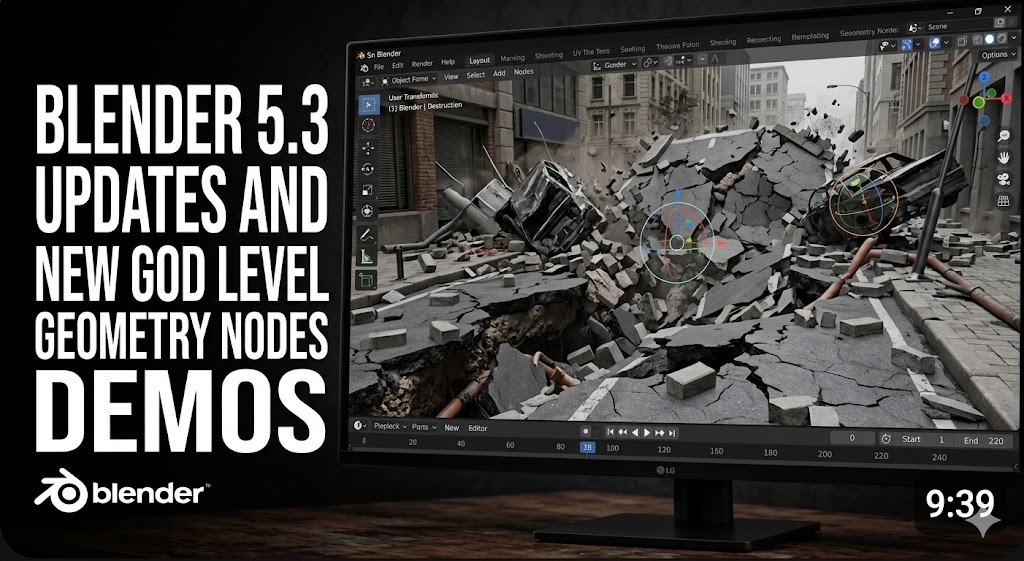

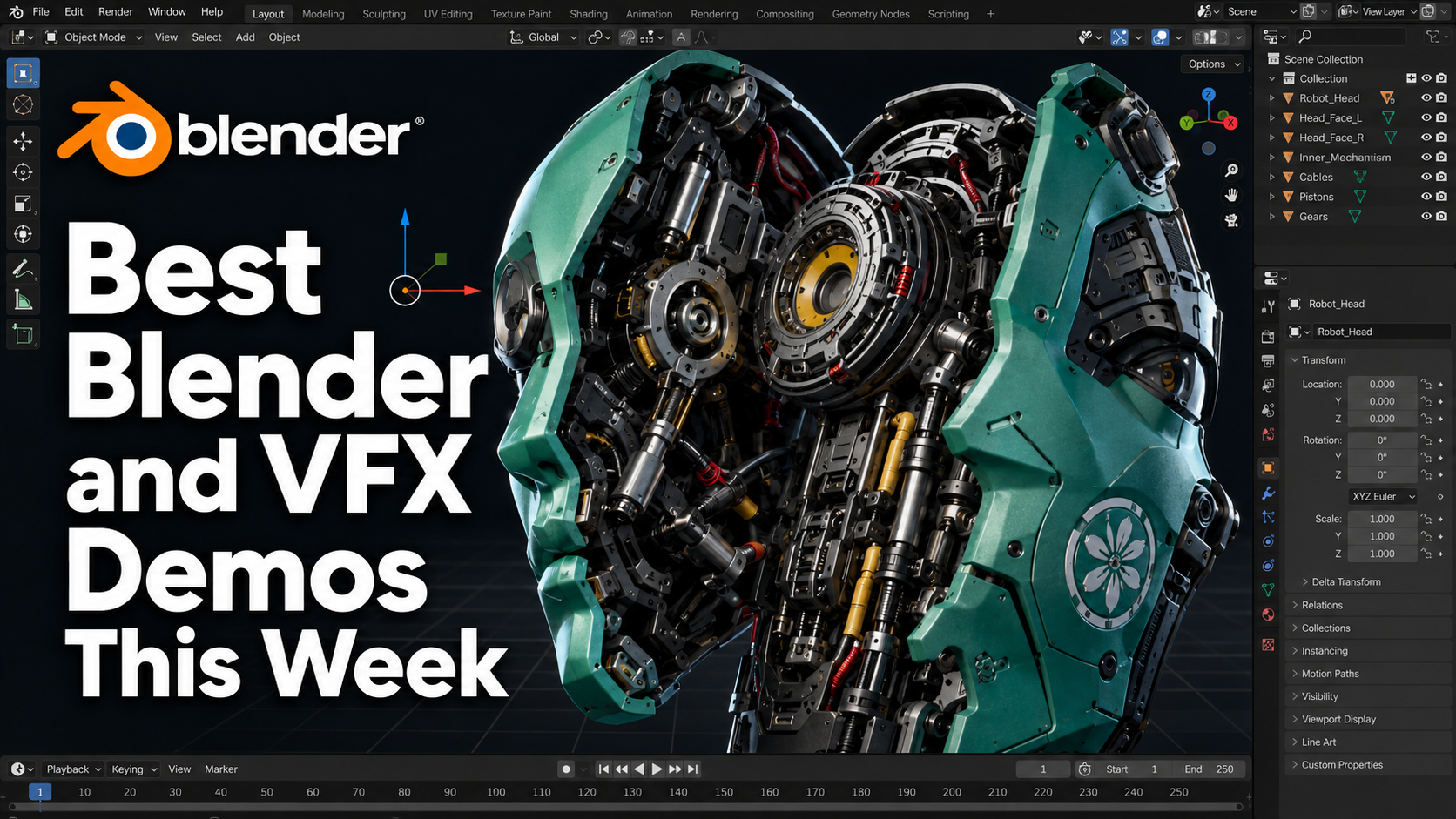
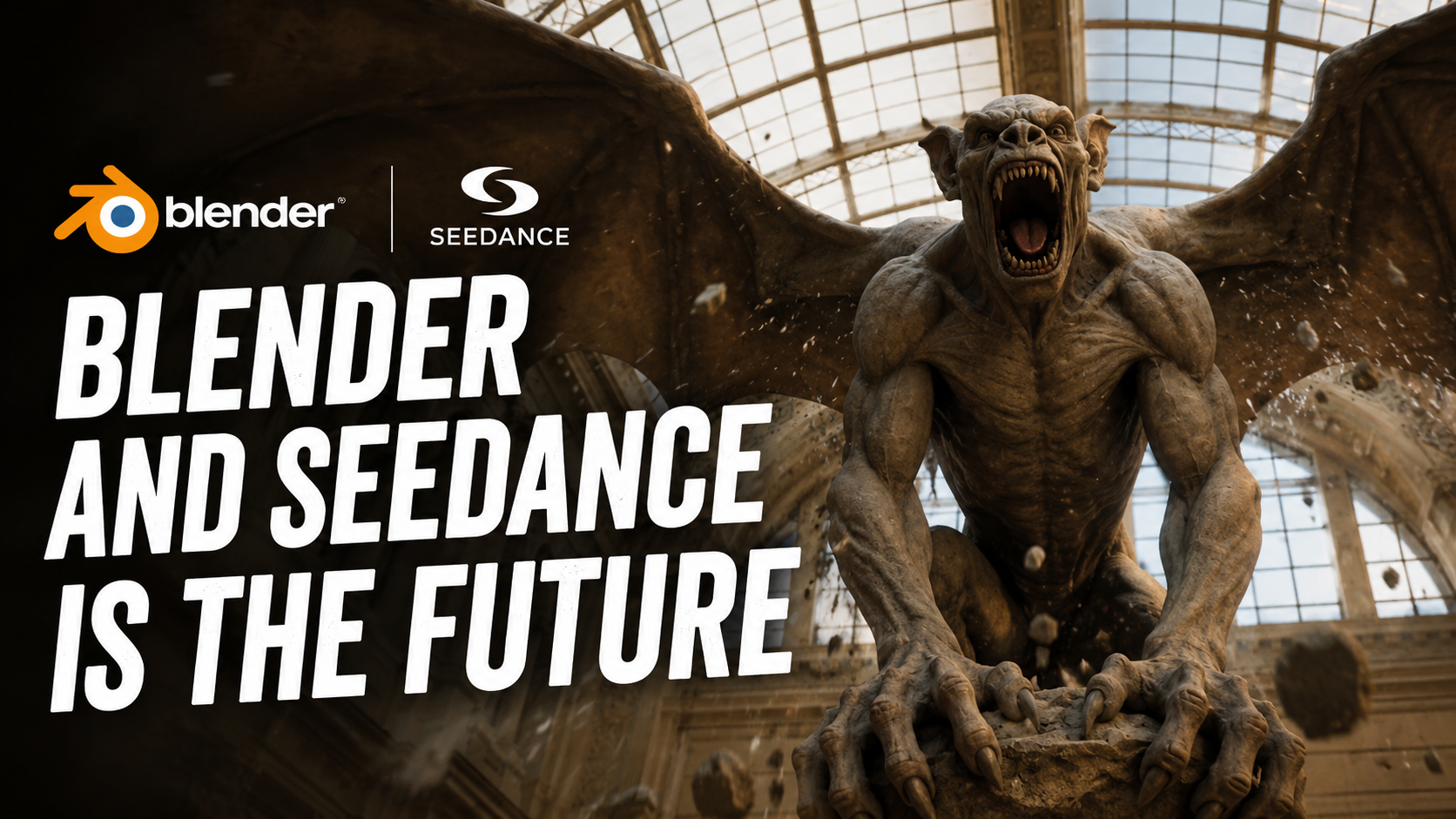
Have you seen these stunning demos of what Blender and other VFX tools can do? Well, let's get into it and see what people are cooking up in the upcoming versions of Blender, LiquiGen, and more.
Ian Hubert is back with another one of his lazy Blender tutorials, this time giving us a quick guide to setting up physics. He packs a lot of knowledge into a short and entertaining format. In this one, he shows how you can use drivers, custom properties, and a gamepad to control a spaceship inside Blender. You can basically animate by playing Blender like a video game using your own inputs. This setup does require an addon, but fortunately it's completely free.
SDF Modeling
Have you tried SDF modeling? The Bevels and Booleans YouTube channel has an excellent video on the topic. It's one of the best approaches to modeling hard-surface objects with smooth, curved forms that traditional hard-surface workflows often struggle with.
Instead of box modeling, where you're constantly extruding faces and edges to shape an object, this workflow takes advantage of Blender's new SDF nodes. They're excellent at remeshing objects, creating smooth flowing edge loops, and they also support Boolean operations like unions and subtractions. That makes them perfect for creating shapes that would be extremely difficult to build any other way. If you're interested, definitely check out the tutorial on the Bevels and Booleans YouTube channel.
https://superhivemarket.com/products/forge-cad-precision-modelling-in-blender?ref=311
Speaking of new modeling techniques, check out this new addon called Forge. It brings precise BRep CAD geometry directly into your Blender viewport. With it, you can create hard-surface models with mathematical precision and instantly convert them into clean, animation-ready meshes.
It reminds me a lot of Plasticity, which is a separate 3D application. In fact, I think Plasticity may have inspired this addon. Plasticity has become the go-to tool for precision modeling, so it's great to see an addon that brings many of those workflows directly into Blender without having to jump between different applications.
New Fluid Simulation in Blender
Have you tried Nexus? It's a new particle system that's coming to Blender from Insydium. This could become one of the best particle and fluid simulation tools ever available inside Blender.
Insydium already has an impressive lineup of simulation tools, including X-Particles for particles, cloth, smoke, fire, and fluids, Nexus for grains, constraints, and modifiers, Taiao for procedural plant animation, TerraformFX, Mesh Tools, and much more. It looks like their long-term plan is to bring this entire ecosystem over to Blender.
Destruction Tools
https://superhivemarket.com/products/destruction-tools?ref=311
I've also updated Destruction Tools, which is my own Blender addon for creating destroyed buildings, roads, bridges, and more.
I've turned it into a full addon instead of requiring you to access everything through the Blender Asset Library. You can now generate cracks, exposed rebar, internal structural details, and much more by simply selecting your mesh and clicking a button. The goal is to speed up the workflow so you never lose momentum while building destruction effects.
AI and Blender Workflows
AI and Blender workflows are here.
Many artists are still on the fence about AI, but AI has already infiltrated almost every part of our lives, so it's no surprise it's making its way into Blender as well.
I'll continue covering these workflows for those who are interested. If AI isn't your thing, you can simply skip this section.
For everyone still watching, here's the good news. Your Blender skills are becoming even more valuable. Instead of relying entirely on prompts, you can now build your scene in Blender, animate your cameras, block out environments, animate characters, and then ask the AI to follow your reference. That gives you a huge advantage because you can lock down the camera movement, composition, and animation instead of hoping the AI randomly gives you what you want.
Real-Time Simulation
https://www.reddit.com/r/blender/comments/1uinxrb/made_a_realtime_collision_setup_in_geo_nodes/?utm_source=embedv2&utm_medium=post_embed&utm_content=post_title
Real-time cloth simulation in Blender is shaping up to be one of the biggest features ever added to Geometry Nodes.
As these demos show, it's faster, more accurate, much more stable, and perhaps most importantly, it's completely procedural. That's going to open up an entirely new way of working with simulations inside Blender.
Stable Instancing
Speaking of Geometry Nodes, if you've ever tried scattering instances onto a deforming mesh, you've probably run into the annoying jittering problem. The points jump around every frame, making the setup almost unusable for animation.
The reason is that Blender distributes points based on face area. Larger faces receive more points while smaller faces receive fewer. That's perfectly fine for static meshes, but once the mesh starts deforming, the face areas constantly stretch and shrink. As a result, the point distribution changes every frame, causing the jitter.
CGMatter's solution is surprisingly clever. Instead of generating points from the mesh itself, he locks the distribution to the UV map, which doesn't deform during animation. That gives you completely stable particle placement throughout the animation.
I also can't talk about particles without mentioning Real Particles. I'm constantly improving it, and I'm currently working on connected particles with constraints, which should allow for much more interesting grain simulations in the future.
Right now, Real Particles already handles sticky particles, grain simulations, particles that follow curves, and reactor particles. It also includes features you rarely see in other addons, like Initial States, allowing you to choose any frame of a simulation as the starting point for a new simulation.
The Power of Houdini
https://www.instagram.com/reel/DaK2DY4RN8t/?igsh=YjFtdjRtaWJsN3Qw
https://www.instagram.com/vfx_skull/reel/DaDSxkpRCpA/
Every time you think Blender is catching up, Houdini comes along and drops your jaw.
Just look at this incredible physics simulation. This is the power of the MPM solver. It can simulate an enormous range of materials with impressive realism. This beautifully executed jelly simulation was created by VFX Skull on Instagram, and it's another reminder that Houdini is still the king when it comes to high-end simulation.
Gaussian Splat Animation
Speaking of Houdini, we've entered a new era of realism.
We've already seen how powerful photogrammetry can be. Instead of modeling objects from scratch, you simply scan them and bring them into your scene with incredible detail that's almost impossible to recreate manually.
Now we have animated Gaussian splats.
They preserve even more detail while handling transparency, subsurface scattering, and animation. In Houdini, you can now automatically generate rigs for Gaussian splats and animate them using traditional workflows.
Gaussian splats eliminate around 70% of the work that normally goes into creating assets like these. You skip modeling, UV unwrapping, remeshing, texturing, and material creation because all of that information already comes with the scan. The quality is exceptional, and the splats are around twenty times lighter than an equivalent mesh with the same level of detail.
If you'd like to learn more about Houdini, you might enjoy my Houdini for Blender Artists course, where I cover the fundamentals, including modeling, Vellum simulations, RBD simulations, fracturing, and much more.
And that's it for this week. I'll see you in the next one.