
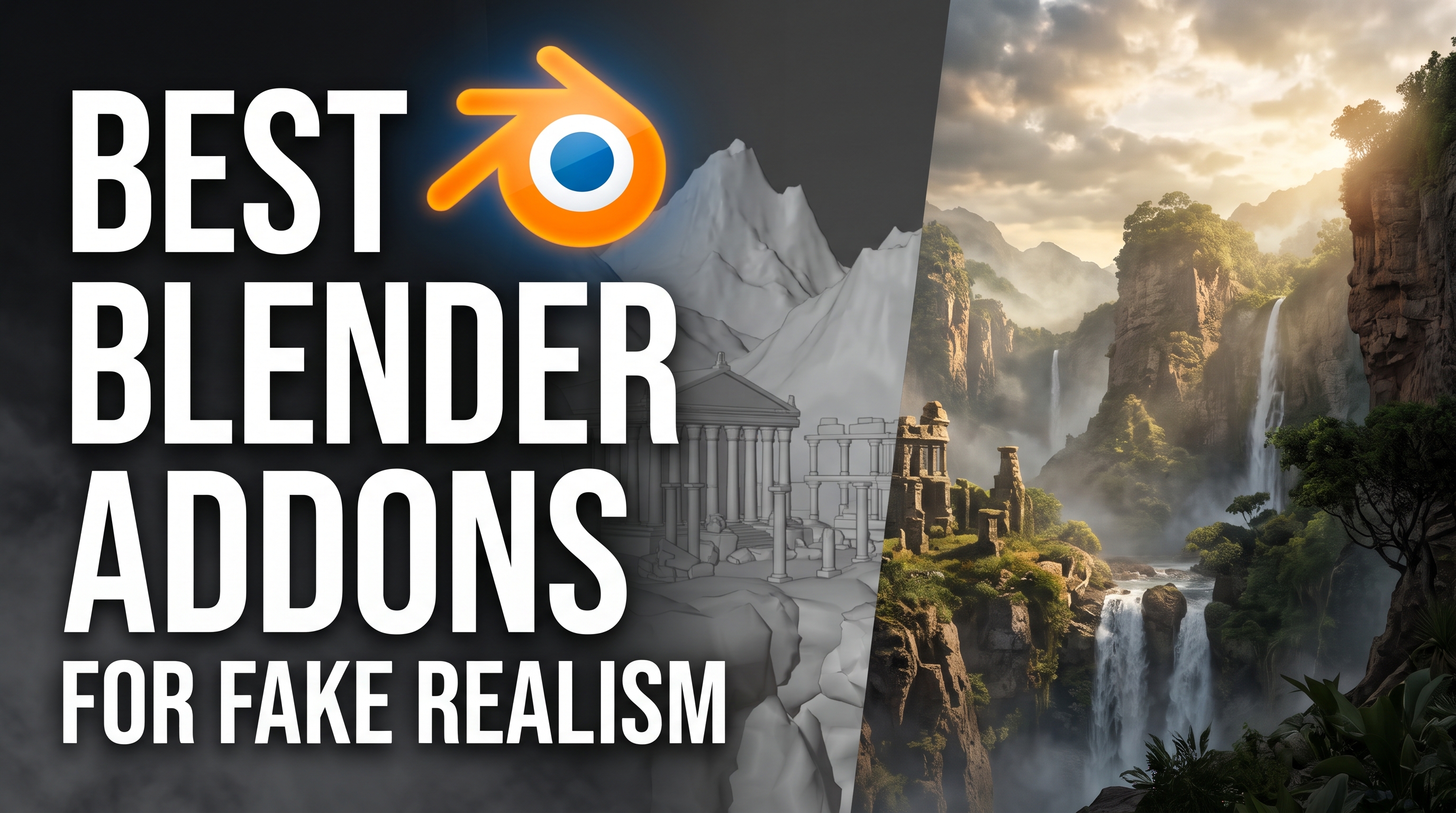
Look development is where a scene actually comes to life, but staring at a default grey cube while trying to figure out node spaghetti is enough to make anyone quit 3d art. I have been obsessed with finding tools that actually make surfacing fun instead of a massive headache, and I want to show you the exact addons that have completely changed how I build my scenes. Grab your coffee because we are diving deep into the absolute best look dev gear out there.
When you are building hard surface models, getting those micro scratches, edge wear, and realistic metal variations just right can take forever to do by hand. Metalworks completely solves this by giving you an insane library of procedural metal setups that react beautifully to light, saving you hours of manual masking. You can grab it right here at https://superhivemarket.com/products/metalworks?num=2&%3Bsrc=new_and_rising&%3Bref=311&ref=311 to instantly make your sci-fi props look like they have survived a war.
Standard physically based rendering is great for realism, but it completely falls apart the second you try to make something that looks like a hand-painted game or an anime background. Stylized shaders gives you these incredibly vibrant, non-photorealistic materials that let you fake rim lighting and custom brush strokes right in the shader editor. It is an absolute game changer for artists wanting a more illustrative vibe, and you can check it out at https://superhivemarket.com/products/stylizedshaders?search_id=48939645&%3Bref=311.&ref=311
Building massive node trees from scratch for every single rock or wall in your scene is honestly a recipe for burnout and viewport lag. The procedural shaders presets library acts like a massive cheat sheet, dropping complex, highly detailed procedural materials into your project with just a few clicks. It is perfect for filling out backgrounds quickly without sacrificing visual quality, which you can snag at https://superhivemarket.com/products/node-effect-blender-procedural-shaders-presets-library?ref=311
Stop motion claymation has such a specific, tactile charm to it, but trying to fake that wobbly, fingerprint-covered look with standard displacement maps is a nightmare. Claydoh literally turns your geometry into digital clay, complete with thumbprints, dust, and even that slight jittery animation style baked right into the shader. If you want to make something that feels super tactile and charming, you need to try this out at https://superhivemarket.com/products/claydoh?search_id=48939645&%3Bref=311.&ref=311
The default texture painting tools in the software have always felt a bit clunky, especially when you are trying to paint high-res details directly onto your mesh. The true image editor completely overhauls this experience, giving you a much smoother, more responsive brush engine that actually feels like you are using a dedicated painting program. It makes hand-painting textures genuinely enjoyable again, so go test your brush strokes at https://superhivemarket.com/products/true-image-editor?ref=311
If you are into comic book rendering or pop-art styles, you know how painful it is to manually set up halftone patterns and cel-shading in the compositor. Komikaze brings all those dynamic inking, screen tone, and stylized shadow effects directly into your viewport, letting you tweak the comic book vibe in real time. It is basically a shortcut to that gorgeous graphic novel aesthetic, available right here at https://superhivemarket.com/products/komikaze?search_id=48939645&%3Bref=311.&ref=311
Fur and hair generation usually brings your viewport to an absolute crawl, which is super frustrating when you just want to add some fuzzy details to a character or creature. Woolly uses a brilliant curve-based system to generate dense, high-quality hair and fur that actually stays responsive and renders surprisingly fast. It is the secret weapon for adding organic fuzz without melting your computer, grab it at https://superhivemarket.com/products/woolly?search_id=48939645&%3Bref=311.&ref=311
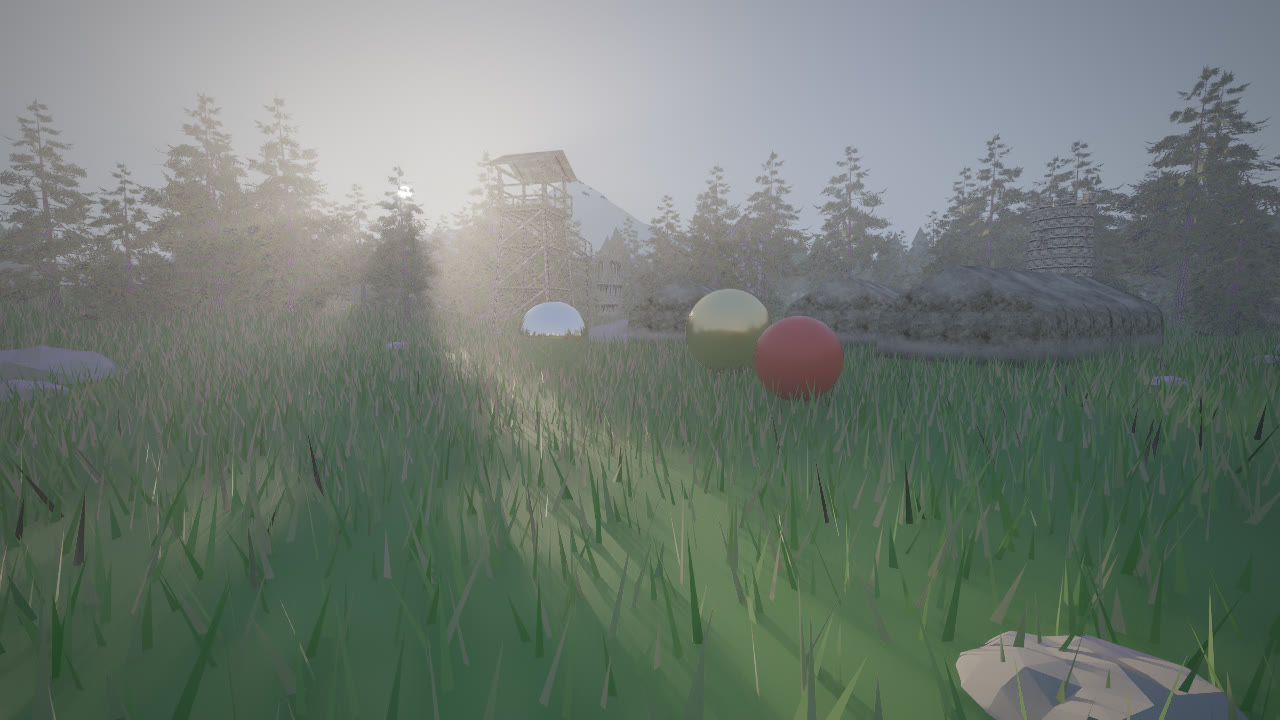
Populating an entire forest with high-poly trees is the fastest way to completely destroy your scene's performance and crash your renders. Alpha trees solves this by generating beautiful, highly optimized tree models using smart alpha cards, giving you that lush canopy look without the massive polygon count. It is a massive time saver for environment artists who need dense foliage on a budget, find it at https://superhivemarket.com/products/alpha-trees?ref=311
Speaking of optimization, rendering thousands of background assets is a pain, but drawing sprites by hand is even worse. Instant impostors literally takes your high-poly background meshes and turns them into optimized 2d sprites with a single click, tricking the camera into thinking they are still full 3d models. This allows you to render massive, dense cities or forests in eevee without your frame rate dying, check it out at https://superhivemarket.com/products/instant-impostors--one-click-impostor-generation-eevee?search_id=48939703&%3Bref=311.&ref=311
Sometimes you just need a quick, cool procedural texture to slap on a prop, but you do not want to spend an hour untangling a massive node group. Shwifty gives you a massive pack of super modern, easy-to-use procedural shaders that look incredible right out of the box without any uv unwrapping required. It is perfect for quickly adding visual interest to background assets, grab the pack at https://superhivemarket.com/products/shwifty?search_id=48939645&%3Bref=311.&ref=311
As your projects get more complex, you inevitably run into weird shader challenges that require building ridiculous math setups just to get a simple wear effect. Node-it is basically a swiss army knife for the shader editor, packed with powerful node groups that solve these exact problems and add complexity in just a few clicks. It cleans up your workflow immensely and is a lifesaver for technical artists, get it at http://superhivemarket.com/products/node-it?search_id=48939703&%3Bref=311.&ref=311
There is nothing worse than guessing what a specific math node or color ramp is doing while you are deep in a messy shader tree. Node preview fixes this by letting you see the exact output of every single node in real time, right inside the editor, so you never have to guess how your values are flowing. It completely changes how you debug materials, making the whole process so much faster, see it at https://superhivemarket.com/products/node-preview?search_id=48939703&%3Bref=311.&ref=311
Creating a realistic ocean or lake from scratch involves balancing so many different values for absorption, scattering, and foam that it usually just ends up looking like blue plastic. Physical open waters gives you a deeply realistic, physically accurate water shader that handles deep light absorption and surface chop perfectly. It makes creating vast, believable water scenes incredibly easy, dive into it at https://superhivemarket.com/products/physical-open-waters?search_id=48939999&%3Bref=311.&ref=311
Managing a massive library of downloaded textures usually means opening a dozen folders and dragging things into the viewport one by one, which kills your momentum. The extreme pbr addon completely streamlines this by letting you preview, organize, and instantly apply all your downloaded pbr materials directly inside the software. It turns texture management into a breeze, helping you work at lightning speed at https://superhivemarket.com/products/extreme-pbr-addon-for-blender-279-2?search_id=48939719&%3Bref=311.&ref=311
Hard surface texturing requires a ton of layering, like adding dirt in the crevices, chipped paint on the edges, and scratches on the flat surfaces. Fluent materializer gives you an incredibly intuitive interface to stack all these weathering effects intuitively, letting you tell the story of your model without doing intense manual masking. It is hands down one of the best tools for making props look genuinely used and abused, check it at https://superhivemarket.com/products/fluent-materializer?search_id=48939740&%3Bref=311.&ref=311
When you are tweaking a material, you want to see exactly how it reacts to light immediately, without waiting for a slow viewport render to catch up. Realtime materials gives you a specialized viewport setup that previews your pbr textures with incredible fidelity and speed, bridging the gap between your final render and your working view. It makes iterating on surfaces so much more satisfying, grab it at https://superhivemarket.com/products/realtime-materials-for-blender?search_id=48939740&%3Bref=311.&ref=311
Subsurface scattering on characters is notoriously tricky, and getting that fleshy, translucent look without the skin turning into weird glowing wax takes a lot of trial and error. Globalskin ultimate skin shader does all the heavy lifting for you, providing a highly advanced, physically accurate setup that makes character portraits look incredibly lifelike. It takes the headache out of character surfacing, find it at https://superhivemarket.com/products/globalskin-ultimate-skin-shader?search_id=48939749&%3Bref=311.&ref=311
Adding physical depth to flat surfaces like brick walls, cobblestone, or wooden planks usually requires heavy displacement maps that tear apart your geometry. Easy parallax lets you set up parallax occlusion mapping with zero hassle, giving your surfaces that incredible illusion of deep, three-dimensional bumps while keeping the polygon count totally flat. It is pure magic for environment details, test it out at https://superhivemarket.com/products/easy-parallax?search_id=48939764&%3Bref=311.&ref=311
Having thousands of high-quality textures is useless if you cannot find the exact one you need when inspiration strikes. The 5000 pbr asset browser acts as a massive, beautifully organized database right inside your interface, letting you search and drag incredible materials into your scene instantly. It is basically a survival kit for environment artists who need variety fast, get it at https://superhivemarket.com/products/5000-pbr-asset-browser?search_id=48939806&%3Bref=311.&ref=311
Hand-painting textures directly on your mesh can sometimes feel a bit disconnected if the brush engine does not respond well to pressure and tilt. Realistictouch injects a ton of realism into your strokes, giving your painted textures an organic, natural flow that makes hand-crafted details look incredibly professional. It brings the joy back to manual texturing, see the difference at https://superhivemarket.com/products/realistictouch?search_id=48939866&%3Bref=311.&ref=311
Trying to build a space environment or a convincing alien sky using just basic spheres and emission shaders usually ends up looking like a cheap screensaver. Physical celestial objects handles the complex atmospheric scattering, lens flares, and volumetric gas clouds required to make planets and stars look genuinely massive and cinematic. It is the ultimate tool for sci-fi worldbuilding, explore the cosmos at https://superhivemarket.com/products/physical-celestial-objects?ref=311
Cloth simulation is hard enough, but getting the actual weaves, patterns, and micro-details of fabrics to look like real clothing is a whole different challenge. SimplyMaterial fashion design is packed with hundreds of highly realistic clothing textures and material setups specifically tailored for character wardrobes and fashion renders. It ensures your characters are dressed to impress without hours of tweaking, find it at https://superhivemarket.com/products/simplymaterial-fashiondesign?ref=311