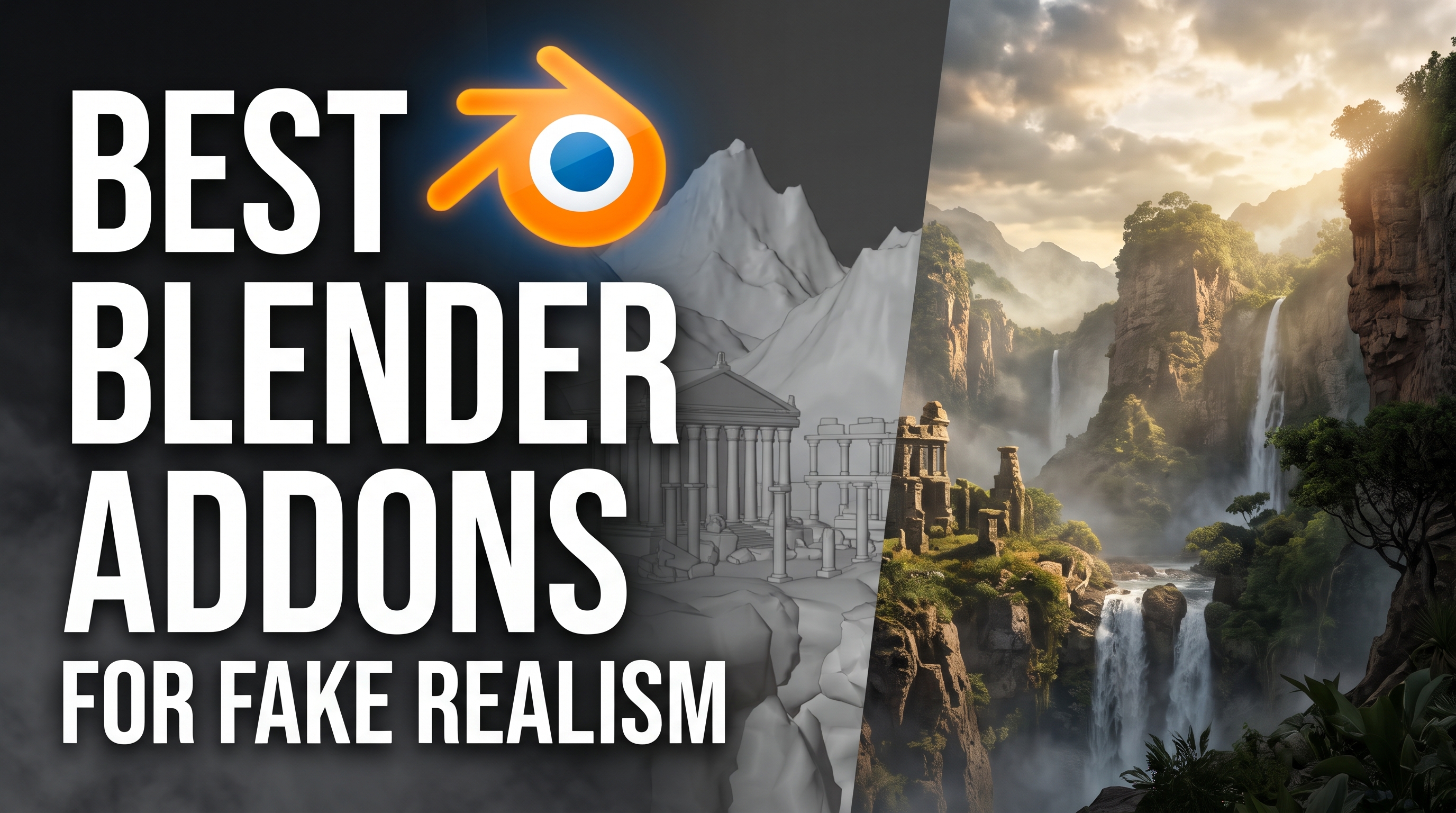
Best Addons for Fake Realism
A convincing render can hide a lot of shortcuts. That waterfall might be an animated texture, the rooms behind those windows might exist entirely inside a shader, and the forest in the distance might be thousands of flat planes. When the camera cannot tell the difference, those tricks can save hours of modeling, simulation, and rendering.
These Blender addons, materials, and asset packs take that idea in different directions. Some fake depth and movement, while others give you a much faster way to build the detail that sells a shot.
1. Aquatiq
Waterfalls, fountains, and flowing rivers can turn a simple environment into a much bigger project. Aquatiq shortcuts that process with animated textures on planes, procedural generators, and ready-made water assets. You can layer effects, blend them into the surroundings, and use animated water materials without setting up a fresh fluid simulation. That makes it useful when water adds atmosphere to the scene and you mainly need convincing movement. You spend your time placing and adjusting the effect instead of repeatedly baking it.
2. Archmaterials Vol. 5 — Fake Interiors
A building can look unfinished when every window reveals an empty room, but furnishing every floor quickly becomes a project of its own. Archmaterials Vol. 5 uses OSL parallax shaders to create the impression of interiors on a single plane. The rooms appear to have depth even though there is no actual room geometry behind the window. You get office, lobby, and display interiors with day and night variations, making it easier to break up repetitive facades. It is a useful shortcut for exterior shots where the camera only needs a glimpse inside.
3. Cell Fluids
Cell Fluids takes a lighter approach to fluid simulation by working on a displaced grid that follows the scene’s height information. This creates a 2.5D simulation, reducing the problem to water moving across a surface instead of calculating a full three-dimensional volume. Materials and surface detail help turn that simpler result into convincing flowing liquid. You can guide the flow with curves and experiment with changes interactively. It suits surface flows, but complex overlapping water layers and enclosed pipes fall outside what this approach handles well.
4. Normal Magic
Adding grooves, inset details, and cuts to a curved model often means planning topology around every new feature. Normal Magic combines surface projection, insertion, Boolean tools, and control over normals to make that process more flexible. You can add real geometric details while transferring or adjusting the shading so they sit more cleanly on the original surface. Its modifier workflows also let you keep working on details without committing every change immediately. The shortcut here is avoiding much of the manual rebuilding and shading cleanup that makes detailed hard-surface modeling slow.
5. City Scapes
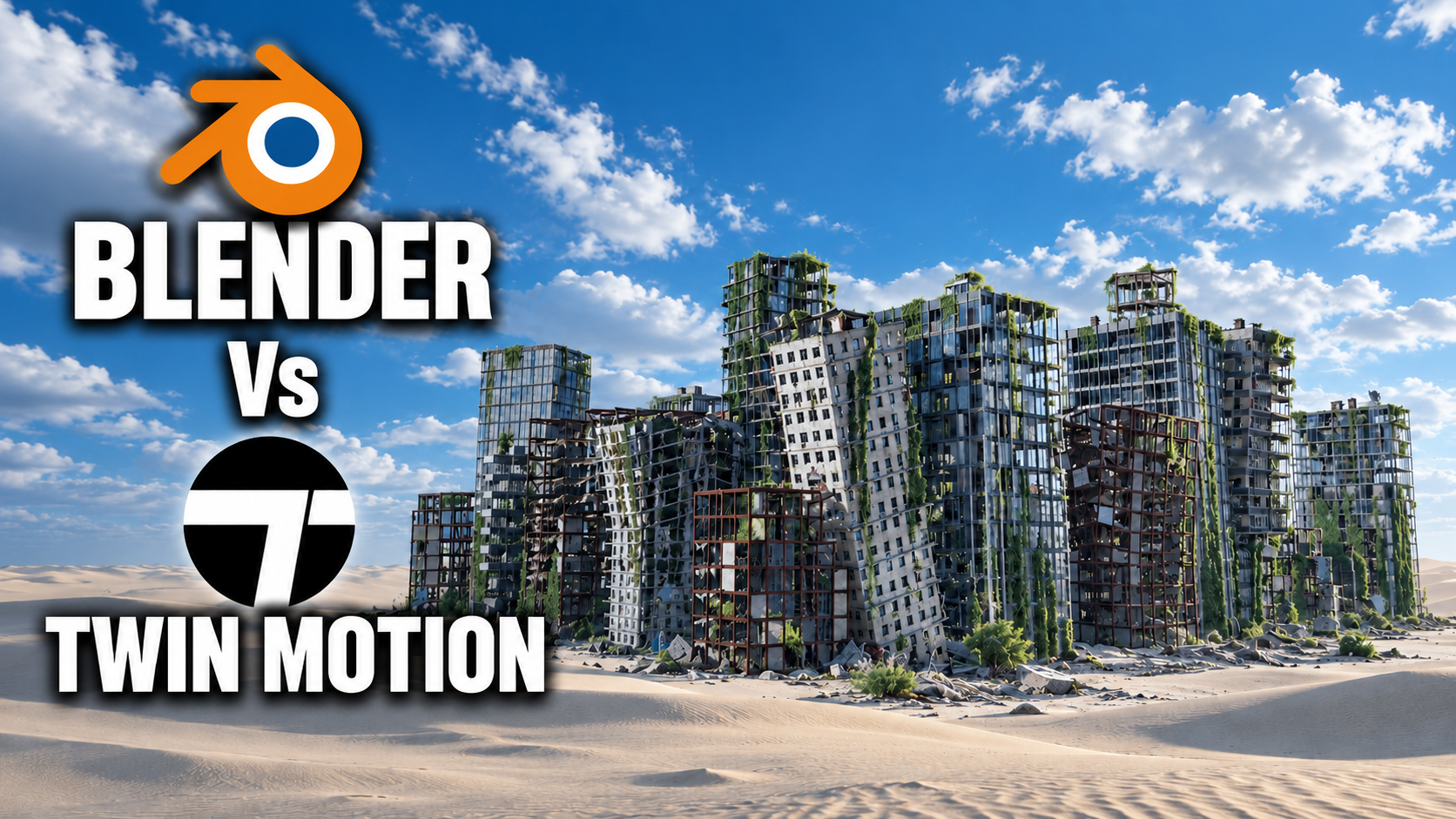
Sometimes you need a whole city behind your subject, even though none of those buildings will ever fill the frame. City Scapes provides ready-made 3D urban assets based on real locations, with detailed textures that do much of the visual work. Drop them into the background and you can establish a much larger setting without constructing individual streets and buildings. They are designed for distant views, and the textures include baked-in shadows that you should consider when matching the lighting. For skylines and views through windows, that can save a huge amount of environment work.
6. Alpha Trees
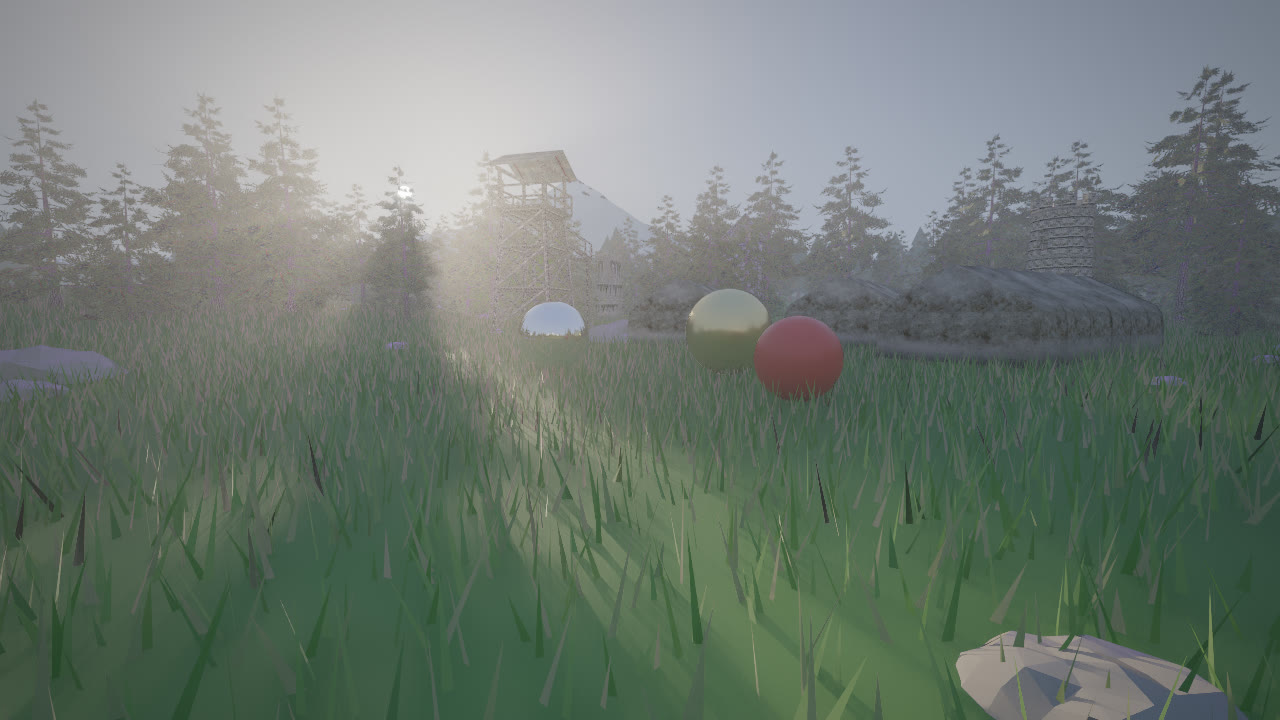
A dense forest can become expensive long before you finish filling the landscape. Alpha Trees replaces complex tree meshes with flat cards, using materials that respond to lighting and translucency to help them look three-dimensional. The cards automatically face the active camera, keeping their paper-thin sides out of view. This dramatically reduces geometry and makes much larger forests practical, especially across distant hills and wide landscape shots. Keep detailed trees near the camera and let the cards supply the scale farther away.
7. Instant Impostors
Instant Impostors takes the idea behind tree cards and applies it to your own mesh objects. It converts a model into a lightweight representation, with the full version using parallax and self-shadowing to preserve more of its apparent depth. Much of the original complexity moves into textures and shaders, reducing the geometry needed for large scenes. That makes it useful for repeated background objects that do not need their full mesh detail on screen. It is designed for Eevee, and the listing currently excludes animated impostors and export to other engines.
8. Imposter Cards
Imposter Cards can batch-convert models into camera-facing planes, packing their appearance into shared texture atlases. It captures different views and surface information so the resulting cards can suggest more depth than a basic cutout. A particularly useful feature is distance-based switching, which lets a detailed model give way to an impostor as it moves farther from the camera. You can preserve the geometry where viewers will notice it and simplify the objects occupying only a small part of the image. The system works with both Cycles and Eevee.
9. Sprite Particles
A little smoke, steam, or spray can bring a scene to life, but creating a separate simulation for every effect adds up quickly. Sprite Particles uses animated 2D textures on flat cards, controlled through Geometry Nodes. Those cards combine into effects such as bonfires, water splashes, and drifting smoke without requiring a new volumetric or fluid bake. You can adjust the available parameters and see the animation change immediately. It is a useful way to add layers of movement and atmosphere when the shot mainly needs the appearance of an effect.
10. Fluid Painter
Getting a fluid simulation to leave the exact drip or spill you imagined can take more work than the final detail deserves. Fluid Painter lets you draw curves across surfaces and turn them into liquid forms using Geometry Nodes. Its presets and controls help shape leaks and other fluid details, while the advanced presets can flatten onto the drawing surface. You choose where the liquid goes and adjust its appearance directly. That makes it especially useful for deliberately placed details in product renders, props, and still images.
11. Video Depth AI
Video Depth AI estimates depth from video and uses the resulting maps to drive animated displacement in Blender. This lets you start with the appearance and motion already present in footage instead of recreating everything by hand. Think of it as a depth-based interpretation of the visible image, with results best judged from angles close to the source view. It can be useful for experimental VFX and adding dimension to otherwise flat footage. The listing currently reports problems with cloud processing and points users toward the local option, which requires an NVIDIA GPU.
12. Real Caustics – Ocean Painter
Real Caustics – Ocean Painter combines procedural ocean motion, simulated waves, and captured water-surface detail in a layered system. You can add foam and caustics decals where the shot needs them, giving you direct control over the final appearance. The shortcut is assembling and directing those layers instead of expecting one setup to generate every visible feature. It still includes simulation-derived detail and is more involved than a simple water material. For artists comfortable working with materials and geometry, it offers a way to compose detailed water around a specific shot.
Get Real Caustics – Ocean Painter
13. Easy Parallax
Bricks, grooves, and uneven surfaces can look flat with ordinary textures, while true displacement often requires much more geometry. Easy Parallax uses Parallax Occlusion Mapping to suggest that depth inside the material. It builds the effect from your texture maps, letting a simple surface appear more detailed as the viewing angle changes. This makes it useful for textured walls, floors, and other surfaces where visible relief helps sell the material. Since the depth is a shading illusion, plan around shots where the underlying silhouette will not give it away.
14. DeltaFlow
DeltaFlow uses flow maps to tell textures which direction to move, creating the appearance of flowing liquid on simple geometry. That means a river can curve or a whirlpool can swirl without needing a full fluid simulation underneath. Its water shader includes controls for speed, flow breakup, and the appearance of foam and waves in faster-moving areas. It also includes an AutoFlow shader for adding water that appears to run down the sides of objects. Much of the motion happens in the material, making it a useful shortcut when surface movement carries the effect.
15. Pattern Designer
Pattern Designer takes a single image and transforms it into seamless patterns using adjustable warping and repetition. You can explore designs for wall panels, fabrics, shoe soles, grips, and other surfaces without drawing every repeating element. Those patterns can then become part of a material or provide information for displacement. The time saved comes from generating and adjusting complex designs from a simple starting point. Used for texture or bump detail, it can also help a basic model look much more intricate without modeling every mark.
The useful question is how much detail the camera actually needs. A close-up may justify full geometry or a carefully tuned simulation, while the background might work beautifully with cards, parallax, and animated textures. Choosing that balance leaves you more time for lighting, composition, and the details viewers will actually notice.