
While a lot of artists still haven’t made the jump to 5.1, Blender is already sprinting toward 5.2. So today’s video isn’t just about god-level Geometry Nodes demos—it’s also a sneak peek at what’s coming in Blender 5.2.
decals in 5.2
Let’s start, as usual, with Late As Usual’s raycast node demo. In it, he shows how you can project decals across multiple objects cleanly, without relying on heavy add-ons or overly complicated shader setups. There’s still some setup involved, but this time you’re working *with* the system instead of fighting it. And if you’re struggling to keep up with how fast Blender versions are dropping, you’re not alone—Late As Usual even forgot this was 5.2 and not 5.1, openly admitting they can’t keep up either. It’s absolute madness, and honestly, we love it.
cycles dssl denoising
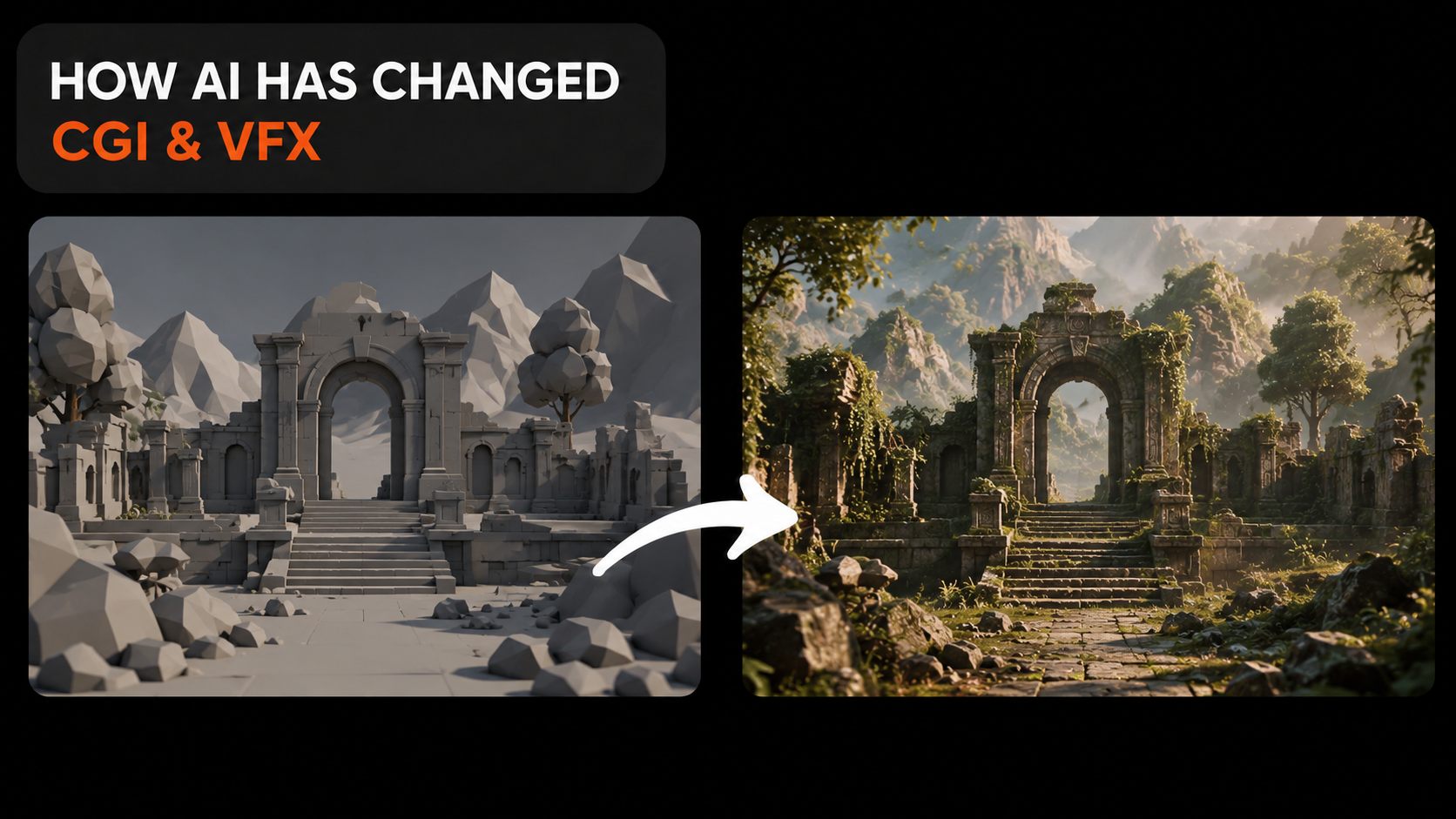
We were all blown away when Andrew Price first showed that demo of the future of Cycles denoising using NVIDIA’s DLSS, and then… nothing. It’s been quiet for a while, with no real updates—until just a few days ago. Now we’ve got a fresh demo from Carson Reed and Polyfjord, and alot of others, and if this is the future of cycles there may be very little reason to stick with Eevee anymore, imagine real reflection, mesh lighting, softshadow, perfect subsurface scattering, accurate reflaction, lighting basically everything cycles is good at but at the speed of eevee rendering, at that point just unistall eevee, but there is a catch, first of all dssl only works on Nvidia hardware so if you are using Amd, Apple silcon you are out of luck, secondly there is still limitation, in its current implementation, it does not support volumetrics and dynamic scenes thats why in most demos you don't see characters or objects moving at all, its just cameras orbiting a subject, those limitations can be fixed down the line, and nvidia competitors are working on an alternative to dssl that should work with most hardware, so that leaves us with on problem left, licencing, there seems to be a licencing issue in implementing dssl directly in blender so you may never see it shipped directly with blender, the only viable option is compiling a version of blender your self.
geometry nodes destruction
Going back to Geometry Nodes, we’ve been following Jesse Miettinen on his journey building a fracturing tool entirely with nodes, and the progress over the last few videos has been mind-blowing. This stuff feels straight-up magical. It’s rare to find developers who are also great artists—and even rarer to see them present their tools through beautiful, cinematic demos instead of just dry how-to videos. A fracturing tool with this level of control is easily one of the most important pieces in any VFX pipeline, and Jesse’s demo really drives that home. The visuals take clear inspiration from Jit Effect on Instagram, another Blender artist doing incredible work.
Next up, it’s Kuldeep again, adding even more functionality to his simulation tool—this time doing… whatever *this* is. And I mean that in the best way. What I really like about his setup is how it blends Geometry Nodes with shading, letting the geometry actively drive the shader response. That kind of interaction is something built-in tools almost never capture properly. He also shows a demo of a fluid particle system he’s working on, using particle advection, and it’s shaping up to be something really special.
experimental rigid body and geometry nodes
By the way, whatever happened to the rigid body simulation branch? This was the Blender branch that aimed to merge rigid body dynamics directly with Geometry Nodes, basically unlocking a Houdini-style workflow where rigid bodies could be created, modified, or removed at any point during a simulation. That kind of flexibility would be huge—it opens the door to effects that are either painful or straight-up impossible with the current rigid body system.
A perfect example is that dancing body of rocks by **Specoolar**, which was made using this same branch back in 2024—almost two years ago now. When I last checked the main discussion thread on **Blender DevTalk**, it had been closed in October 2024, and there haven’t been any meaningful updates since. That’s honestly pretty unfortunate, considering how transformative a Geometry Nodes–based RBD system could be for motion graphics, VFX, and procedural workflows in general. The potential there was massive, and it still feels like a big missing piece in Blender’s simulation story.
proedural fluid sim
Back to things that actually work—check out this surface tension effect by **Shahzod** / **Specoolar**. I believe this one is for the **Cell Fluids** add-on, and it’s honestly one of those details you don’t notice until you see it done right. The shader adds capillary action—the tendency of fluids to cling to surfaces—which creates subtle highlights exactly where water meets the object. It’s something I rarely see replicated, and once you notice it, you start realizing how much it’s missing in most water renders. That extra edge detail instantly makes objects feel wetter, heavier, and more convincingly submerged. Even better, the effect is raycast-based and works in Eevee, which makes it way more practical than you’d expect for this level of realism.
raycast node
the new shader raycast node in blender 5.2 is taking shader generation to a whole level, and we can do a dedicated video just about the raycast node thankfull cgmatter has already done that, he has a tutorial about what the node does and some use cases like checking the thickness of a mesh, creating a line art shader and create a crude ambient occlusion that dones not need baking at all, in the beginning we saw how you can also saw how late as usual used the raycast nodes to create a decal shader that projects decals on objects easily, here in this demo, cartesian caramel exposes the trick behind the concept, using ray cast you can shout rays from an object to the nearest geometry and know the position and normal information where the rays hit, this data can be used as coordinates that any texture can be used making it easy to move and project textures this way on multiple objects.
particle advect
surface tension with raycast
in another demo this time by specoolar, he uses raycasting node to emulate capillary action as objects touch water, this is the tendence of fluids to attract on surfaces creating highlights around areas where the water contacts the objects something i have not seen anyone try to replicate and just started noticing that it lucks in most renders i have seen, it makes the objects look more wet and submerged in water, this is more efficient to do at the shader level like specoolar is doing here than using geometry nodes, because with geometry nodes you have to subdivide the mesh allot to bend the geometry while in in shaders you just need to detect where geometry intersects and blend the normals, both can be done with the raycast node, first to detect intercetion and find the normals to blend. this inturn creates the wettest water i have ever seen in blender.
raycast depth buffer
another way raycast can improve on your materials is shown in these demos, look at how you shazod here is using raycasting to blend the smoke as it intersects with the chair, the smoke is already pre simulated so there is no direct collision with the mesh, so if you just leave it as is you get this hard intersects that look terrible, so what shahzod has done instead is to soften or reduce the opacity of the smoke before it intersects with the chairs, hiding the clipping effect, while blending the smoke is not as accurate as simulating collions accurately if you are unwilling to resimulate the smoke this is the next best thing
he also shows a another shader that just shows intersections between different objects, the chair and the flow both with different materials, normally to do this you need to use something like ambient occlusion, dynamic paint which all have alot of limitations, this effect does not require increasing ambient occlusion samples or baking dynamic paint textures and it all works in realtime.
and thats it, i have heavily discounted my courses on superhive, that the blender advanced course that teaches rendering organic materials like internal structures, soft tisues, cells, and other stuff like margic particle effects and more, then the master geometry nodes course and more check them out links in the description thanks for watching see you in the next one.