The Best Blender Physics Addons of All Time
There is something ridiculously satisfying about watching a simulation finally work. A car crashes and crumples, water spills across the floor, a building collapses, and suddenly you are replaying the same five seconds for the twentieth time. Getting there, though, can involve a lot of setup, tweaking, and wondering which setting broke everything.
That is where these addons come in. This list brings together established favorites and newer tools for destruction, liquids, vehicles, cloth, particles, and more. Whether you want subtle character movement or an entire scene falling apart, there is plenty here to experiment with.
1. JiggleMaker — Give Your Characters Some Weight
A character can have a great walk cycle and still feel stiff if every part of the body moves like a solid block. JiggleMaker helps add that extra wobble by connecting a simulation mesh to your character using cloth physics and Surface Deform. It handles the modifier setup and pinning, giving you a much simpler starting point for secondary motion.
You can use the included jiggle meshes or bring your own, with presets for different levels and types of movement. There are also tools for generating influence groups by distance, so you can control which areas respond. When your scene starts collecting multiple simulations, the bake manager helps you manage caches and bake ranges without hunting through every object. It is a useful way to add softness and weight without hand-animating every little bounce.
2. Vehicle Physics Pro — Drive It, Crash It, Record It
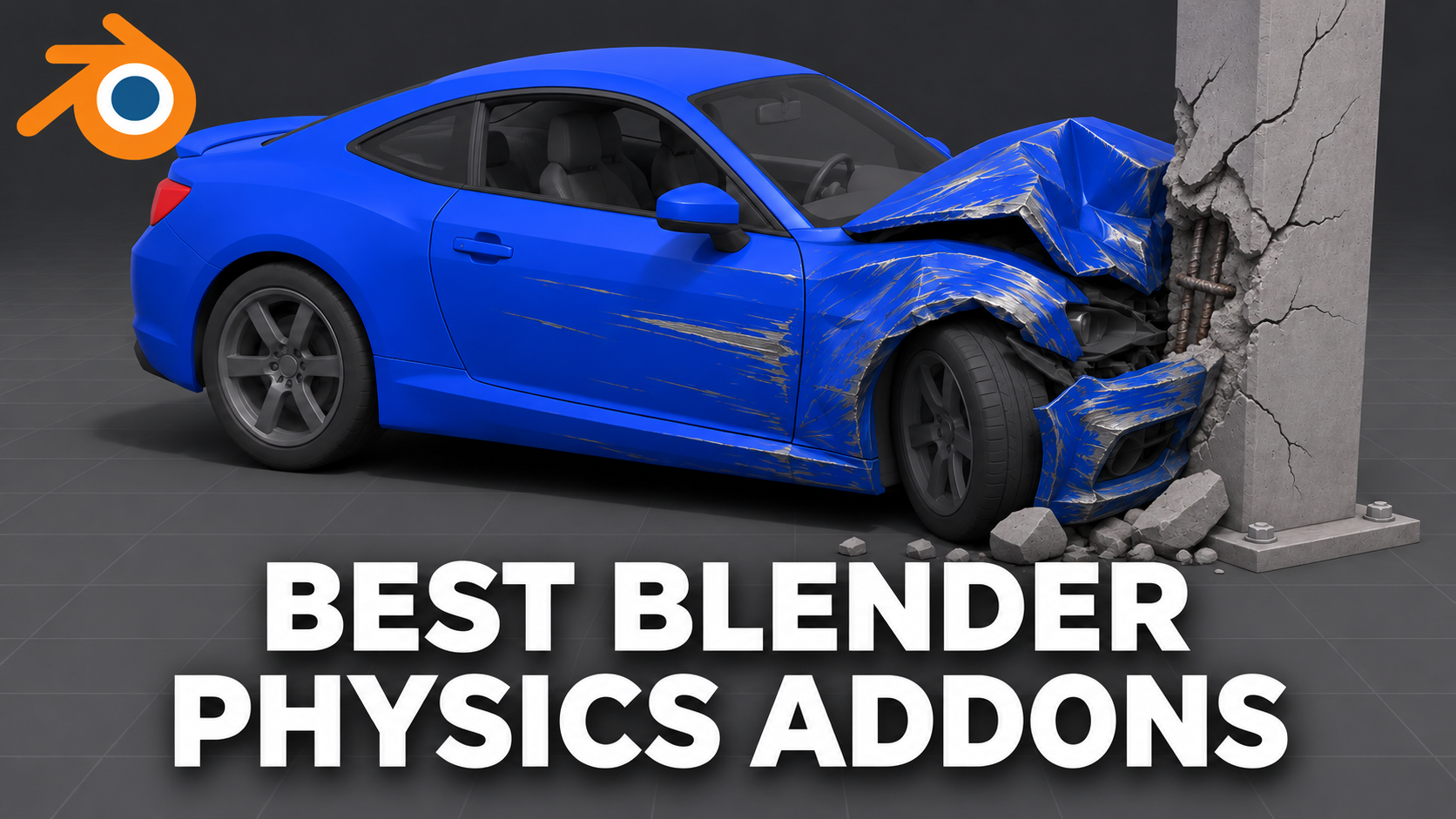
Vehicle Physics Pro makes Blender feel a little more like a driving sandbox, letting you control a car directly in the viewport with your keyboard. Underneath that is a node-and-beam simulation system that handles vehicle deformation during impacts. Body panels can dent, bumpers can come loose, glass can shatter, and hoods or trunks can pop open when things get messy.
You can start with the included vehicles or set up your own models, which gives you room to experiment with different shots. The appeal is being able to perform a crash and see the car react while you drive. Imagine blocking out a chase sequence, taking a corner too quickly, and finding a more interesting moment than the one you originally planned. For vehicle destruction, that hands-on approach makes the setup part of the fun.
3. RealParticles — Particles That Do More Than Fly Around
RealParticles is one of my own tools, and the idea behind it is to make useful particle behaviors easier to set up. Particles can stick to objects, follow curves, collide with each other, and build into piles. That opens up plenty of possibilities for falling objects, surface buildup, and motion graphics that need a bit more interaction.
The Reactor Particles system can spawn secondary particles when an impact happens, giving you another layer of motion from the same event. Curve-following particles can also respond to scene forces, while the cluster and Voronoi collapse tools cover breakable structures and falling fragments. Instead of rebuilding those behaviors for every project, you choose a tool and start shaping the effect. It is especially useful when the interesting part of your shot is how particles behave after they reach something.
4. Ocean Physics Pro — Take Your Boats Out for a Spin
Ocean Physics Pro brings the same hands-on idea to water, letting you drive boats and ships across an animated ocean inside Blender. You control the vessel with your keyboard while the hull moves through the waves. As it travels, it leaves a wake, foam, and spray, giving the shot more activity than a boat simply sliding across a moving surface.
The addon includes nine ready-to-use vessels, and you can also work with your own model. Once you have a movement you like, you can record the drive, bake it, and render the result in Eevee or Cycles. That makes it an interesting tool for boat reveals, ocean travel shots, or a vessel making a dramatic turn past the camera. Being able to try the movement directly is a big part of the appeal.
5. Physics Painter — Let Gravity Dress Your Scene
Physics Painter is for those moments when your scene needs clutter, but placing every object by hand sounds like a terrible afternoon. You can paint assets onto surfaces or drop groups from above, then let rigid-body physics settle them into position. Think rubble around a damaged wall, loose props on a floor, or objects piled inside a container.
The brushes give you controls for density, spacing, size variation, and orientation, so the arrangement does not have to look uniform. Placement options can limit slopes, check support, avoid overlaps, and stack new objects on previously painted assets. You can use the included kitbash collection or build asset pools from your own meshes. It turns physics into a practical scene-dressing tool, even when the final result is just a still image.
6. FLIP Fluids — For Shots Where the Liquid Is the Star
FLIP Fluids belongs in this conversation because it gives Blender a dedicated liquid simulation engine with a workflow built around it. You set up a domain, add fluid sources and obstacles, and control how the liquid enters, moves through, and leaves the scene. Force fields give you additional ways to influence the flow when the shot needs a particular direction or shape.
One of its standout features is the whitewater system, which adds foam, bubbles, and spray to the main liquid simulation. Those smaller details can make turbulent water feel much more convincing, especially when the camera gets close to the action. Picture a splash wrapping around a product, water rushing through a channel, or liquid hitting a solid object. When water is the main event, FLIP Fluids gives you a focused set of tools to build the shot around.
7. FluidLab — Water, Slime, Mud, and Everything Messy
FluidLab takes a particle-based approach to fluid effects, using Blender’s SPH system to create flowing materials. You can work with watery liquids, thicker substances, and effects such as sand or mud. That variety makes it interesting for projects where the material needs a very particular kind of movement, whether that is a splash or something slowly oozing across a surface.
Its foam, bubble, and spray systems add smaller details around the main simulation. Those extra elements can help a fluid effect feel more active and give the eye something to follow beyond the main body of liquid. Imagine pouring a drink, creating a muddy spill, or experimenting with a thick, messy substance for a product animation. If your ideas regularly involve pouring, flowing, or making a mess, FluidLab gives you plenty to explore.
8. Hurricane — A Playground for Different Types of Physics
Despite the name, Hurricane covers much more than storm effects. It is a physics engine and particle solver built for fluids, cloth, soft bodies, sand, and grain simulations inside Blender. That range makes it interesting when your ideas move between materials that flow, bend, stretch, or collect into piles.
You might use it to explore a falling stream of grains, a soft object collapsing under its own weight, or fabric reacting to motion. The developer also emphasizes interactions between simulation types, which is a big part of its appeal for more involved effects. You have a broader simulation environment for experimenting with different materials together. This is the kind of addon that can turn a quick physics test into an entire afternoon of trying different combinations.
9. Simply Cloth — Spend More Time Shaping the Fabric
Simply Cloth makes cloth creation and simulation more approachable by bringing the controls into a workflow built around fabric. You get cloth presets, pinning, and sewing tools, which help you move from a flat piece of geometry toward something with folds and shape. It is useful for clothing, but the same kind of workflow also fits blankets, curtains, and fabric draped over objects.
The adaptive wrinkle tools help add detail to the folds, giving you another way to refine the result after the broader shape is working. There is also an optional Cut & Sew asset library with ready-made garment patterns if you want a head start on clothing. You still have room to adjust the simulation and design as the project develops. For scenes that need fabric regularly, having these tools together can save a lot of repetitive setup.
10. Physical Starlight and Atmosphere — Physics for the Sky
Physical Starlight and Atmosphere brings a different kind of physics to this list: the behavior of light in an atmosphere. It gives you a procedural sun and sky system with controls for atmospheric scattering, stars, and clouds. That makes it useful when you want to shape the environment lighting around your scene and adjust its mood directly.
You can start from presets, customize the conditions, and animate parameters as the shot develops. It works in Eevee and Cycles, and the binary sun option also gives you room to create more unusual, alien environments. A warm horizon, a hazy landscape, or a dramatic sky can completely change how a scene reads. It is an environment and lighting tool, so its role here is making the world around your simulations feel more convincing.
Check out Physical Starlight and Atmosphere
11. iCrowds — Give Your Scenes People Who React
iCrowds helps populate environments with people, using different systems for city activity, path-following pedestrians, stadium audiences, and scattered gatherings. You can guide movement along curves, create traffic flowing in both directions, and control how densely an area is populated. Character customization and high- and low-poly options help introduce variety across the crowd.
The feature that earns it a place in this physics roundup is its ragdoll system. Characters can transition from regular walking or running animations into simulated falls and collisions, with support for custom rigged characters too. You can adjust properties such as mass, friction, and joint behavior, then bake the motion to keyframes. For an action shot, that gives the people in your scene something more useful to do than keep walking calmly through the chaos
12. RBC — Build Your Vehicle Animation Around Physics
RBC is a physics-based vehicle rigging addon, built to make setting up and controlling vehicle rigs more accessible. It brings rig creation, tuning, and collision controls into a dedicated vehicle workflow. That makes it worth exploring when you want physics to contribute to the motion of your car animation.
The Pro version includes preset rigs, custom setup options, QuickRig, and more advanced controls for adjusting your setup. It also adds an FX panel and allows unlimited rigs, which gives you more room to build scenes involving multiple vehicles. There is a free version with one car rig and a smaller selection of controls, so you have a way to try the basic workflow. Whether the shot is a simple driving test or part of a larger sequence, the appeal is having vehicle rigging tools gathered in one place.
13. FractureLab — Decide Exactly How Things Break
FractureLab focuses on a part of destruction that can make or break the final shot: the fracture pattern itself. You can create cuts, adjust or remove them later, and change the fracture resolution as the design develops. That gives you more control over the appearance of broken objects before you start worrying about how the pieces move.
It can generate additional cuts from existing fractures, helping you introduce smaller details into the breakup. The Damage module also covers surfaces such as stone walls and cobblestone paths, making it useful for static damaged environments as well as animation preparation. Once the pieces are ready, you can export the fractures to RBDLab for the simulation stage. If you have a particular crack or break pattern in mind, this gives you a more deliberate way to build it.
14. RBDLab — Bring the Whole Thing Down
RBDLab brings fracturing, rigid-body simulation, constraints, and destruction effects into one larger workflow. You can break an object into pieces, hold those pieces together, and shape how the structure starts to fail. Its constraint and clustering tools become especially useful when you want a collapse to feel like a connected structure breaking apart.
The toolset also reaches into metal deformation, cloth, and soft-body effects, giving you options for materials that need to bend or deform during an impact. That opens up combinations involving solid fragments and more flexible elements in the same scene. Think collapsing walls, damaged structures, and twisted metal that responds differently from the concrete around it. If destruction is a regular part of your work, RBDLab brings a broad set of simulation tools into one workflow.