
Not every animation project needs a complicated workflow. Sometimes the job is a ten-second product advert, a looping social media post, a quick character gag, or a small client project with a deadline that leaves very little room for experimentation.
For those jobs, you need tools that get you to a usable shot quickly. A setup that handles the movement, camera angle, and revisions you actually need can be enough. You don’t always have to build a system that will survive every possible scenario.
That is the idea behind this list: Blender addons and asset packs that remove specific pieces of repetitive work, from animating objects and preparing characters to adding cloth movement, growing plants, and finishing a shot with atmosphere.
Some are broad toolkits, while others solve one very particular problem. The useful question is: how much work can this save on the shot in front of you?
1. CatFlow — Fast motion graphics
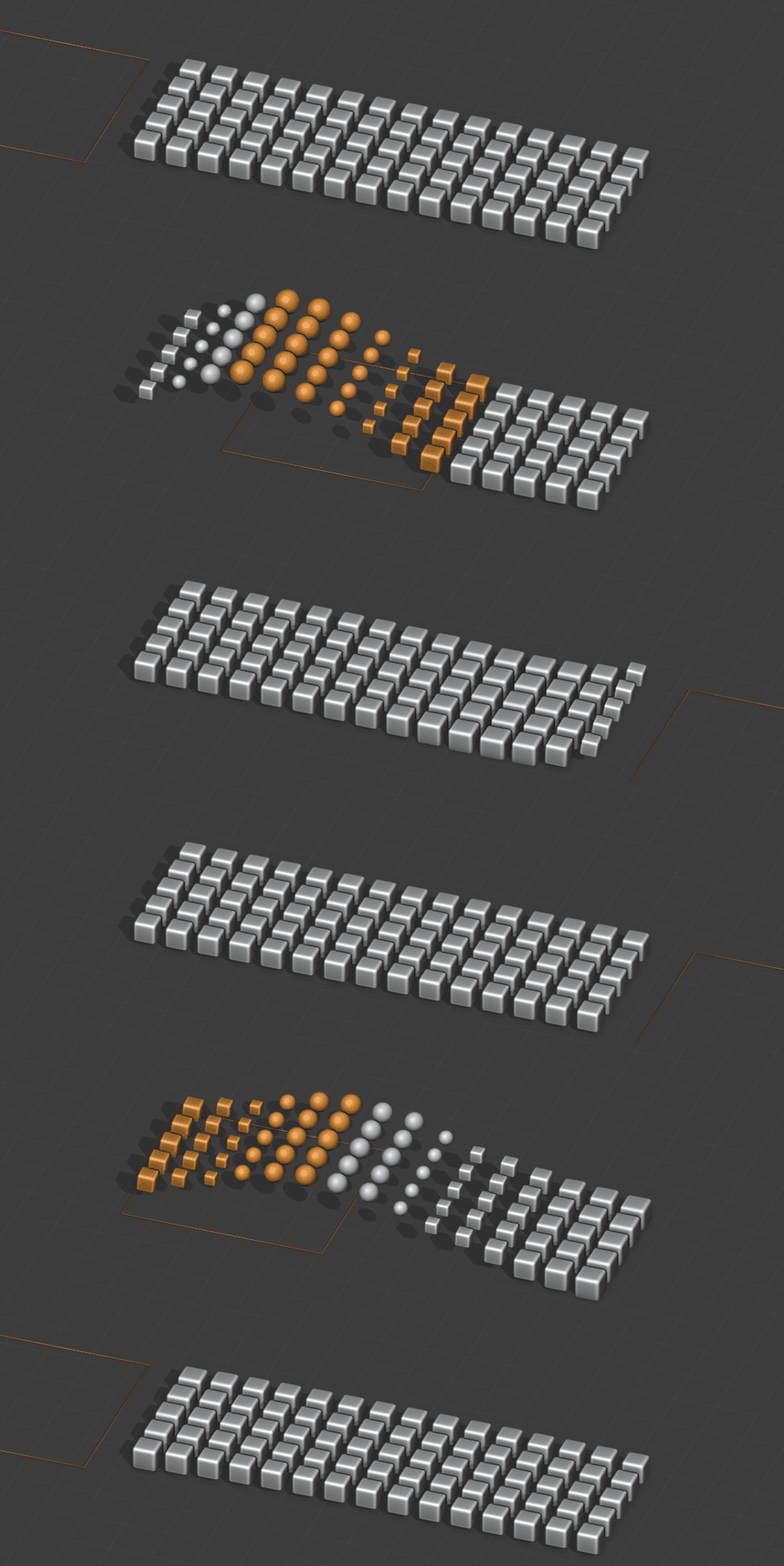
CatFlow is a strong place to start when the brief involves repeated objects, abstract motion, or a product surrounded by animated shapes. It brings together cloners, effectors, fields, deformers, and dynamics, giving you controls for building and animating these arrangements.
Think of a grid of objects reacting to a moving field, or a wave passing through a product display. You still design the timing and composition, but much of the underlying setup is already available. That makes it a useful starting point for short branded animations.
2. Shape It — Ready-made elements and playful animation

Sometimes the quickest way to finish a motion graphics job is to start with useful shapes and animation presets. Shape It combines motion design elements, materials, and preset animations with tools for turning shapes and text into soft, balloon-like objects.
That gives you a starting point for floating lettering, playful product backgrounds, or an abstract loop. Its value is having several ingredients ready together, so you can spend more of the project choosing a visual direction and less time preparing every individual element.
3. Wiggly — Turn static objects into animated loops
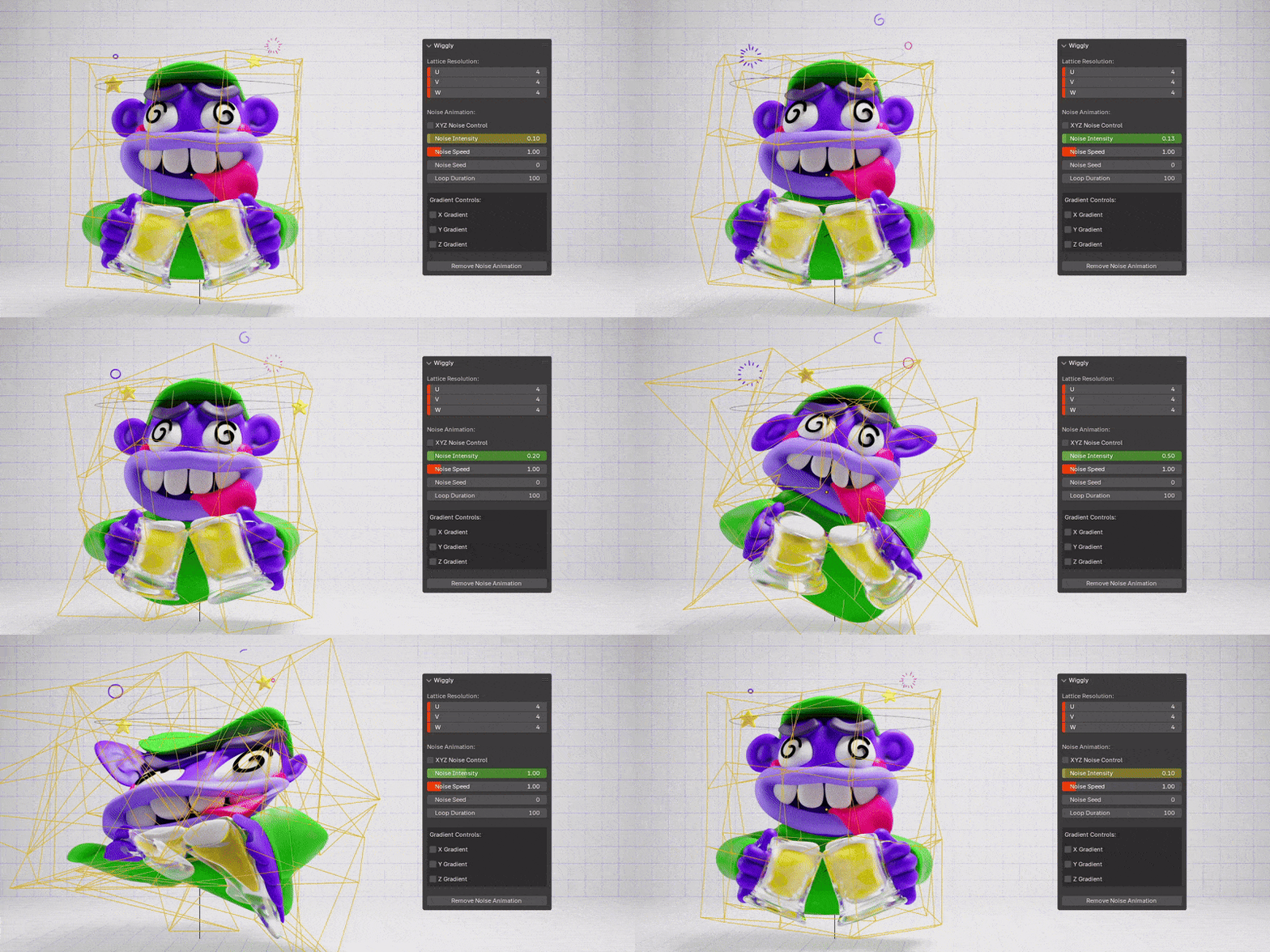
Wiggly is well suited to those projects where an object looks good, but needs a little movement to work as a social media clip. It uses a fitted lattice to create noise and wave deformations, with controls for direction, intensity, speed, and looping.
Imagine a wobbly word, a strange little creature, or a soft-looking object gently moving in place. These are the kinds of ideas you could explore without constructing a character rig, and the looping controls are particularly useful for repeatable social posts.
4. Shoot-It — Spawn and launch objects

Shoot-It handles spawning and shooting objects into a scene. It is useful for motion graphics built around objects appearing over time, building up into a collection, or being launched through the frame.
For a short advert, you could use that approach to introduce a stream of products or create a playful burst of shapes. The appeal is having a focused tool for the spawning behaviour, leaving you to work on the arrangement, pacing, and final appearance. For client work, the listing offers a separate commercial tier.
5. Auto-Rig Pro — Get characters ready to animate

If a project needs a custom mascot or character, preparing the rig can become a large part of the job. Auto-Rig Pro helps with character rigging and includes retargeting tools for transferring existing animation between armatures.
It is a substantial toolkit, but you can use it for a narrow task: prepare the character, transfer a suitable motion, and adjust the performance for your shot. It still benefits from rigging knowledge and deformation checks, especially around joints. The time saving comes from reducing repeated setup work.
6. Adaptive Auto Skinning — Reduce the weight-painting work
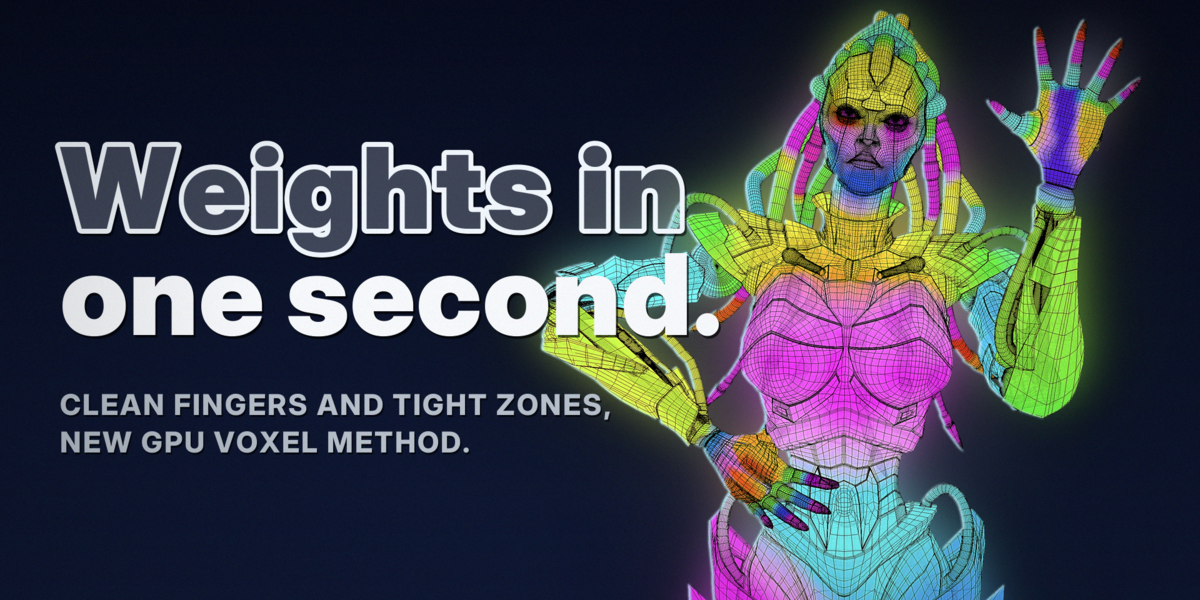
Having a skeleton is only part of getting a character ready. The mesh and clothing also need weights so they deform with the bones. Adaptive Auto Skinning automates that binding stage, using the skeleton’s geometry to assign weights across the character and its clothing.
This is useful when a short project gets held up by skinning problems before animation has even started. It requires an existing rig, and some areas may still need manual correction. Its role is to get you to a workable bind faster.
7. MotionGen — Use video as an animation starting point
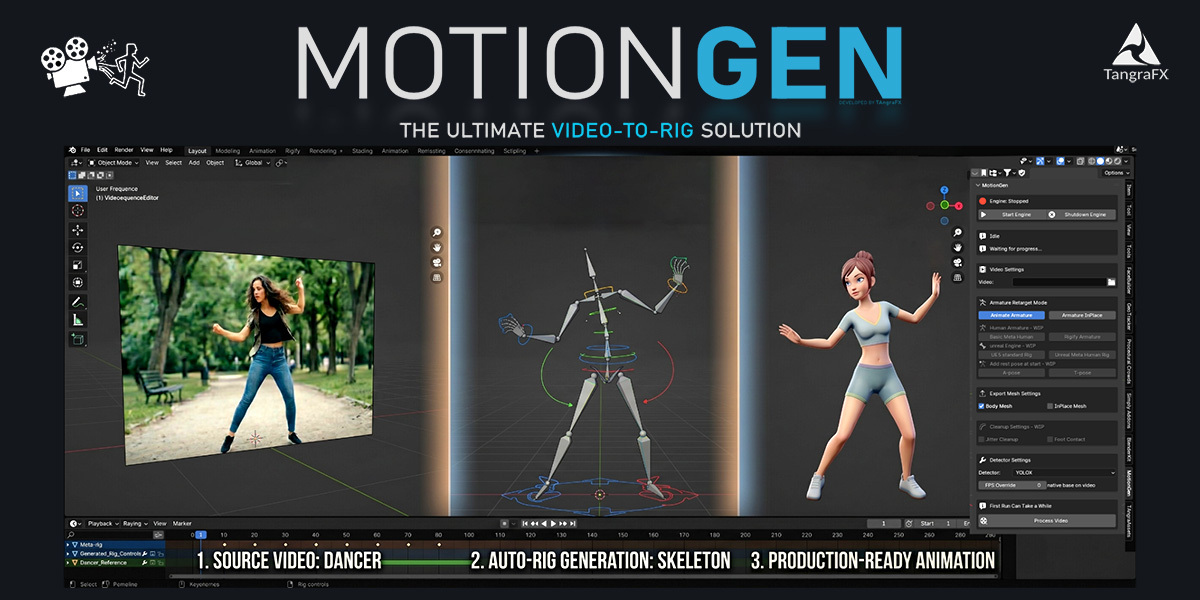
MotionGen extracts character motion from video and provides retargeting, jitter cleanup, and keyframe reduction tools. For a short mascot performance or movement study, that gives you a route from a recorded action to editable animation.
Treat the result as a starting point to review and refine for the shot. The current listing requires Windows and an NVIDIA RTX 2080 or newer with at least 8 GB of VRAM. Video-length limits depend on the edition, and the Lite tier excludes commercial use, which matters for paid social media gigs.
8. Grab-It — Make characters pick things up

A character picking up a product sounds simple until you start managing when the object follows the hand and when it becomes independent again. Grab-It helps set up those grab, parent, and drop changes at chosen points on the timeline.
For a mascot lifting a bottle or carrying a prop, that removes a fiddly part of the setup. You still animate the hand movement and make the contact convincing, but you have a more direct way to manage the object’s attachment throughout the action.
9. Ragdoll Tools — Quick falls and physical reactions

Ragdoll Tools helps generate ragdoll setups for armatures, adjust their constraints, and transfer the resulting movement to bones. You can also enable the ragdoll at a chosen frame.
That makes it useful for a short comedy fall, a character collapsing, or a sudden physical reaction. You can build the performance around a clear action and then let the ragdoll provide the tumble. The shot still needs a suitable collision setup and timing, but the addon cuts down the work of constructing the ragdoll itself.
10. Gravity Collider — Secondary movement for bone chains

Gravity Collider adds bone physics using linked collision boxes, with applications such as hair, skirts, hanging accessories, and loose armour. Its IK-based approach also lets you blend the physics influence down when you need more direct control.
For a short character clip, those secondary movements can help the main action feel less stiff. A dangling accessory can keep moving after the character stops. The creator notes that simple bone chains with clean parenting work best, so it is worth matching the tool to the rig you have.
11. Simplicage — Simulate a simpler cage
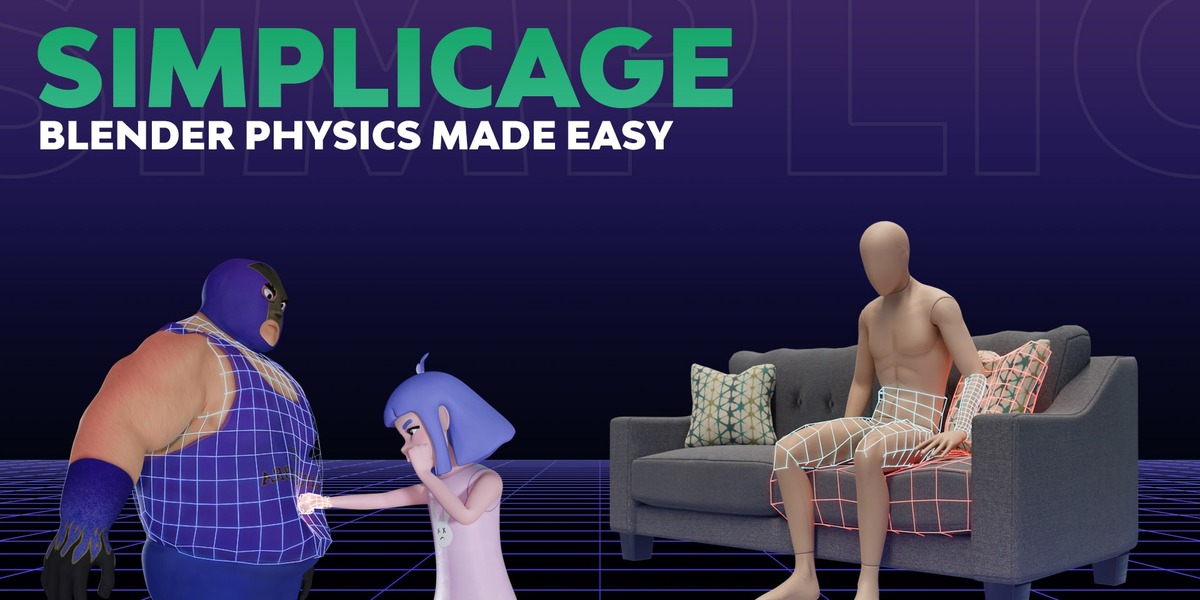
Simplicage generates cages that use Blender’s cloth physics to deform a model. It also provides collision-box generation, presets, and tools for managing and baking those cages.
The useful idea is to control deformation through a simpler surrounding mesh, which can make some soft-motion setups easier to manage. For a short shot needing a wobble or soft response, that can save preparation time. This is a shortcut for artists who understand physics cages: the developer explicitly says it is not intended for beginners.
12. Clothes in Motion — Make cloth easier to finish

Clothes in Motion combines an addon, tutorials, and an asset library. Its tools include quick cloth and collision setup, attaching details to simulated clothing, retiming baked simulations, and editing or sculpting the baked result.
Those last features are especially relevant to small projects. If the cloth movement is close to what you need, being able to adjust the result gives you another route to finishing the shot. It also helps with details such as buttons and pockets that need to follow the moving fabric.
13. Simply Tear — Build a shot around ripping material
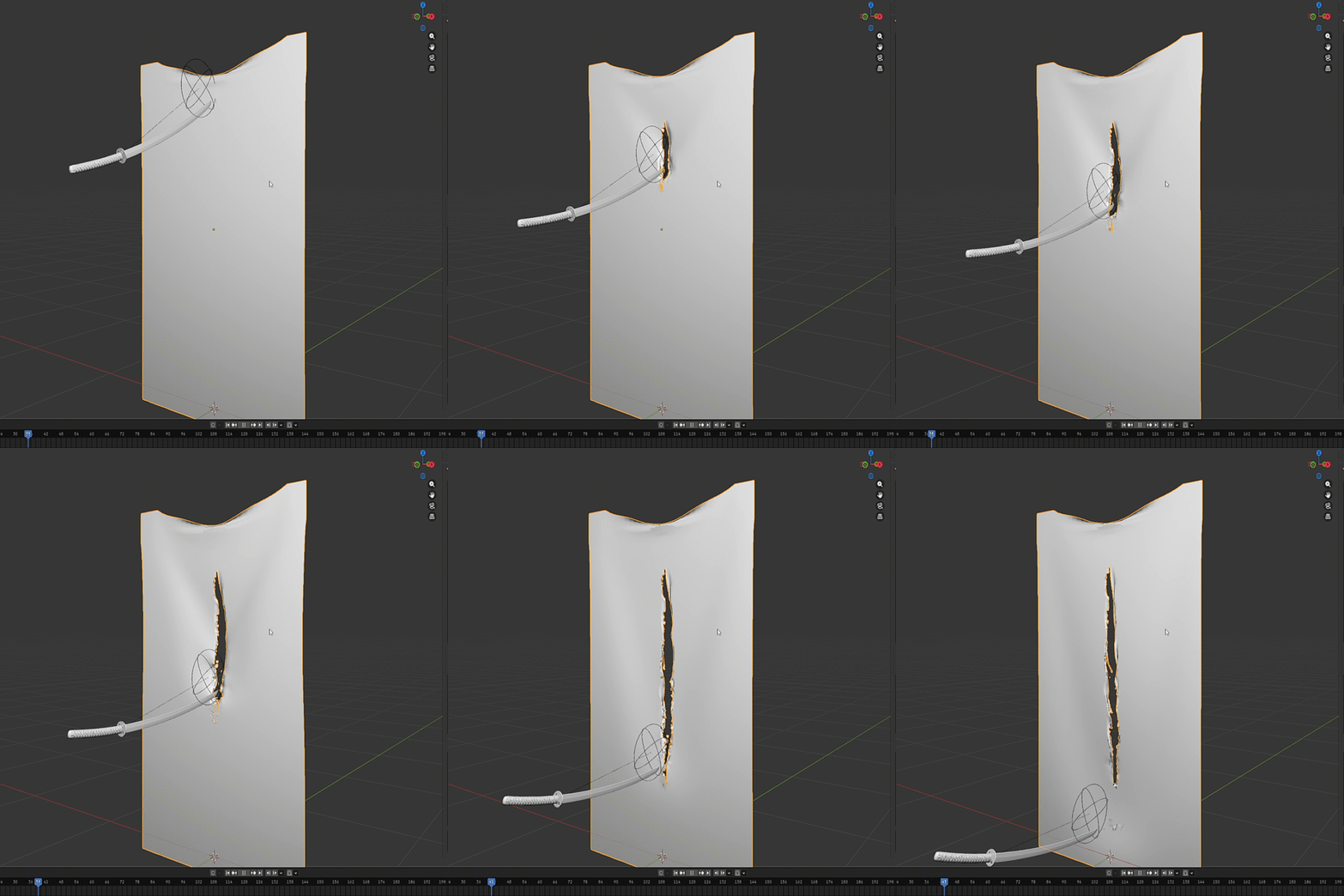
Simply Tear lets you define tear lines on a mesh and combine the result with cloth simulation. That gives you a focused starting point for an effect such as a paper surface ripping open or fabric separating during a reveal.
For social media work, a single clear tearing action could become the main visual idea of the clip. You direct the tear placement, then develop the motion and framing around it. Choose the appropriate edition: the listing separates static tearing in Lite from dynamic tearing in Pro and higher tiers.
14. Baga Ivy — Animate organic growth
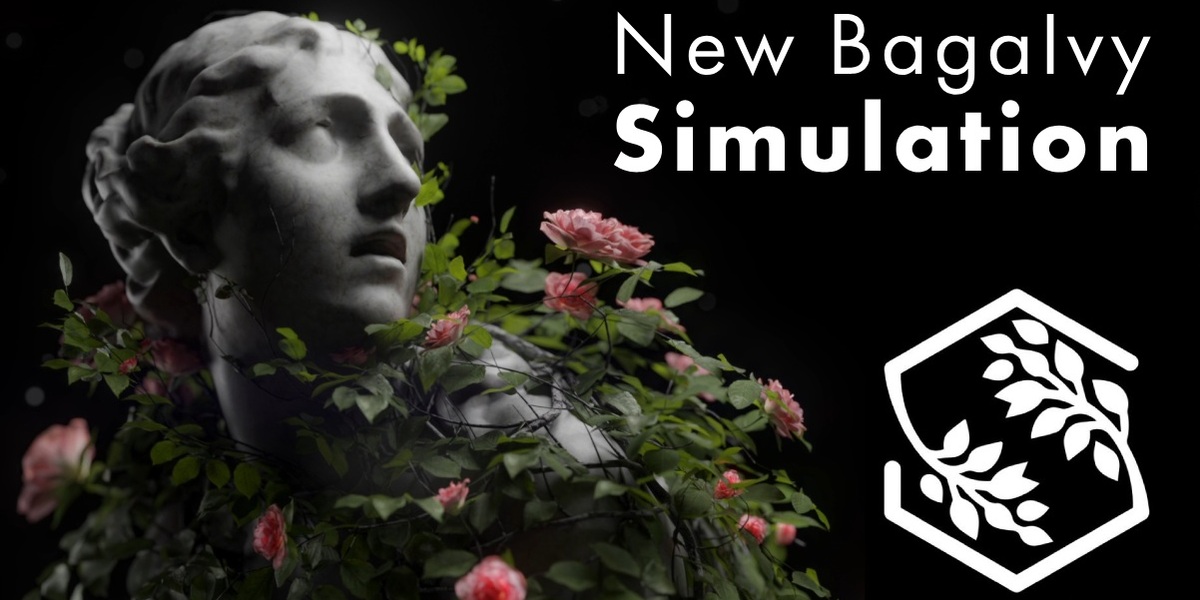
Baga Ivy includes a simulation mode for animated growth, alongside its procedural ivy generators. You can guide growth by drawing on the mesh, refine it in stages, and adjust the timing of the resulting animation.
Imagine vines spreading across lettering or gradually covering a product display. That gives a short clip a clear progression without needing a character performance. Its growth and wind controls also provide options for looping work. For this list, the animated growth is the feature that makes it more than an environment dressing tool.
15. Spyderfy — Add moving creatures and swarms
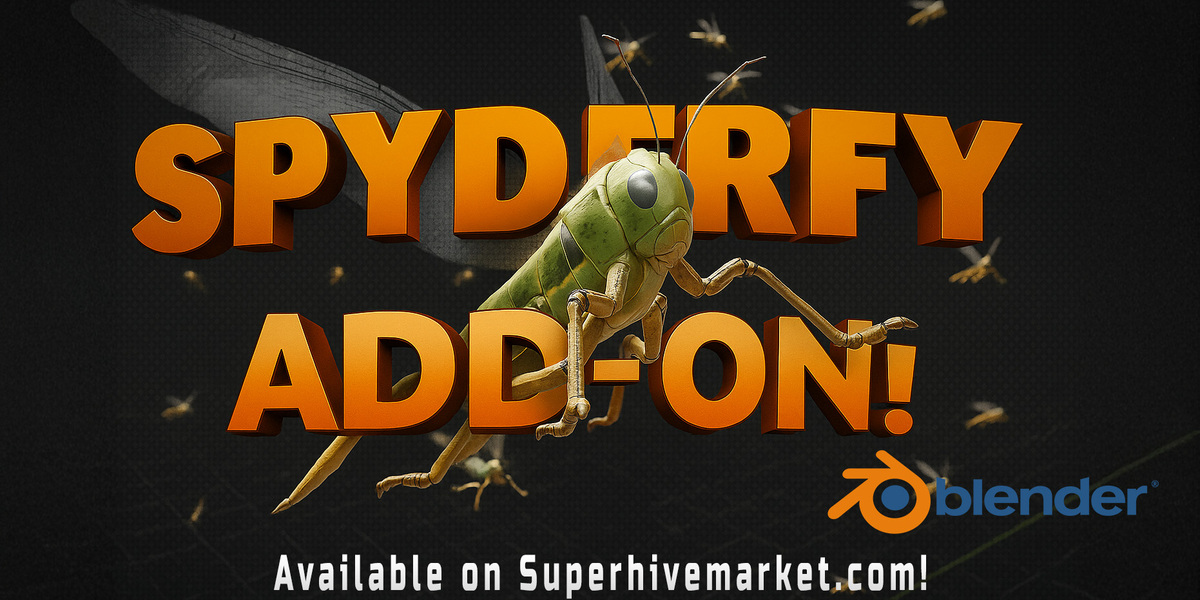
Spyderfy combines animated bird and insect assets with tools for creating boid systems. You choose the creatures, set up their system, and customise the movement, including an optional goal for them to follow.
That could help with butterflies around a product, birds passing through an environment, or a swarm becoming the focus of a short effects shot. It saves you from preparing every creature and its movement independently. You still need to direct the group so its motion supports the composition rather than distracting from the subject.
16. GeoDroplets Plus — Droplets for product close-ups

GeoDroplets Plus provides static droplets, drawn droplets, and simulated dripping effects, with controls for size, density, and gravity. It fits naturally into close-up work involving bottles, cans, and wet surfaces.
A few moving droplets could give a simple product shot its central action. There is one useful constraint to build around: the developer recommends simulated droplets on static objects because moving surfaces may behave unexpectedly. A stationary product with an animated camera is therefore a more sensible starting point than assuming the droplets will follow a rapidly moving bottle.
17. VFX Toolkit — Add impacts and motion accents
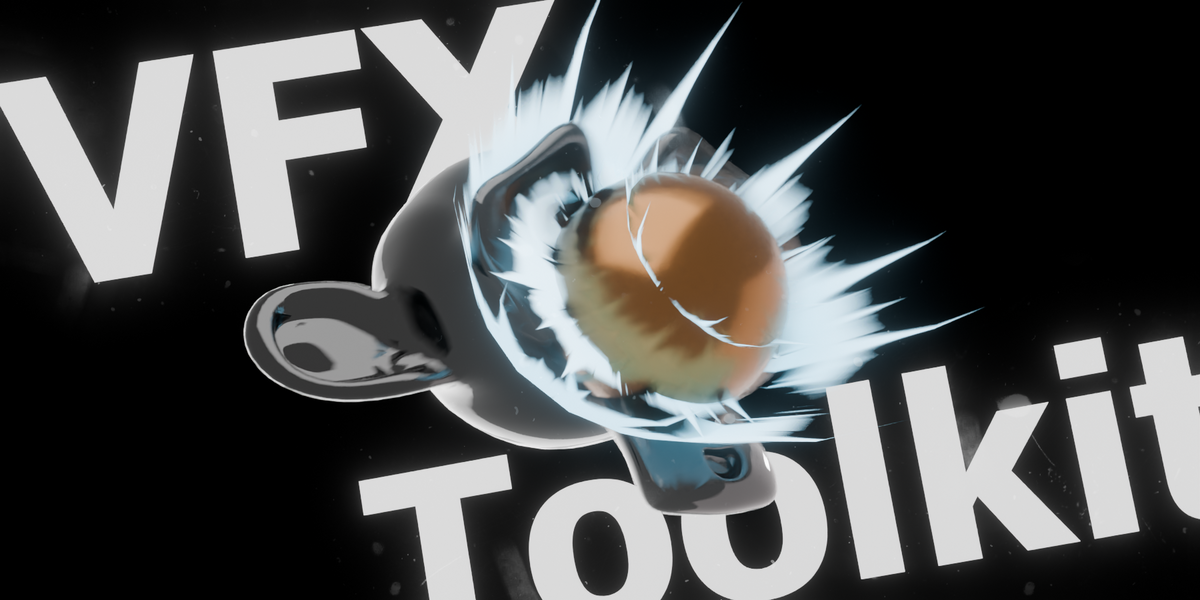
The product linked as “Impacts” is currently listed as VFX Toolkit. It combines ready-to-use effects with procedural generators, shaders, hand-drawn animation, and compositor effects, including impacts and trails.
For a quick animation, these can help emphasise the moment something lands, changes direction, or moves through the frame. The toolkit also includes controls for organising effects and their timing. That makes it useful for adding a few deliberate accents to an existing animation, without preparing each effect from the beginning.
18. Quake Motion Camera — Give the camera some movement

Quake Motion Camera provides procedural camera movement and shake, with options including handheld, racing, pan, and head-camera styles. It can also add a shake at a chosen point in the animation.
For a short action shot, that gives you a quick way to make the camera react to an impact. For a quieter clip, restrained handheld movement could help the framing feel less mechanical. The useful part is the ability to establish and adjust that movement without manually building every small camera variation.
19. Gobos Light Textures — Animate the lighting

Sometimes moving light is enough to bring a simple scene to life. Gobos Light Textures is an asset library with both static and animated textures for projecting patterned light and shadows.
For a product clip, you could suggest activity outside the frame through shifting shadows while keeping the visible scene simple. It is a useful way to give a plain surface more visual interest. This is a lighting asset pack rather than a character animation addon, and the supplied projected-light workflow is described for Cycles.
20. Physical Fog — Add moving atmosphere

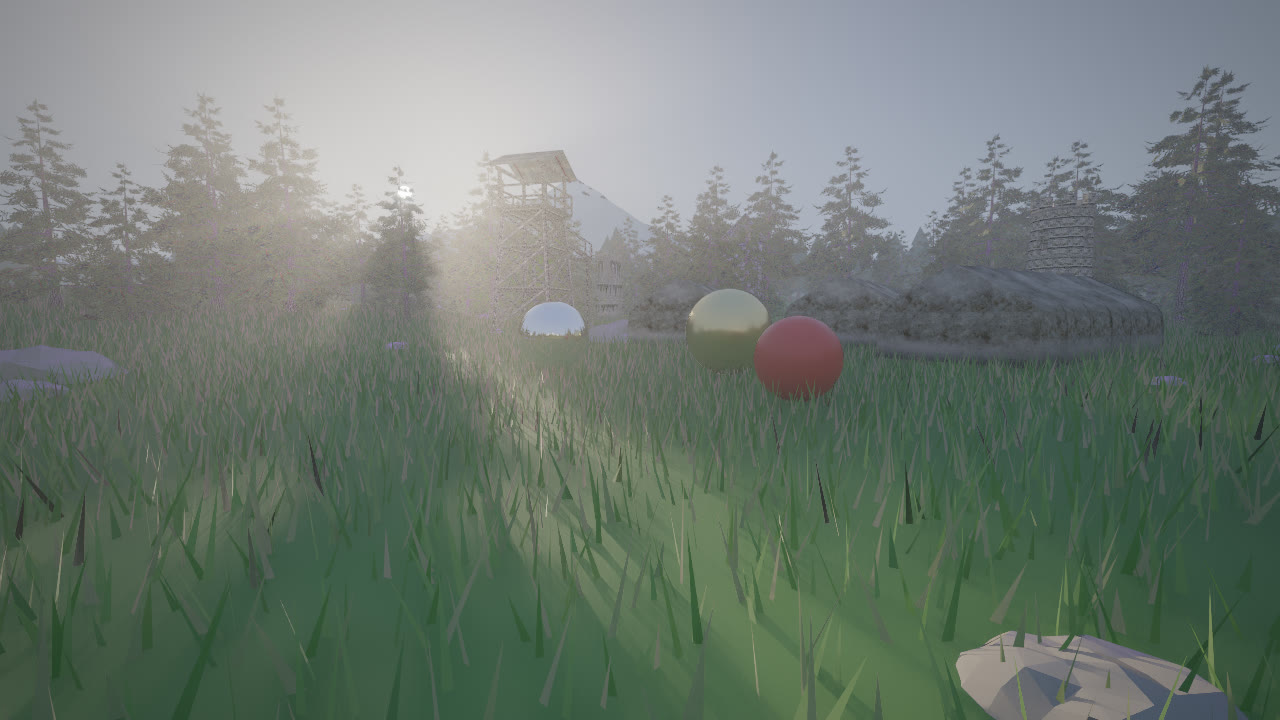
Physical Fog provides tools for fog domains, layered atmosphere, and controls for shaping fog by height and distance. The Pro edition also includes animated fog cards with flowmaps.
For a short reveal or environment clip, atmospheric movement can add depth around a relatively simple subject. Fog cards provide another option when the shot only needs a layer of drifting mist. Keep the choice tied to what the camera sees: quick setup can save artist time, while volumetric rendering still needs to fit the project’s render budget.
21. Bonus: SwayRig — A specialised rigging shortcut
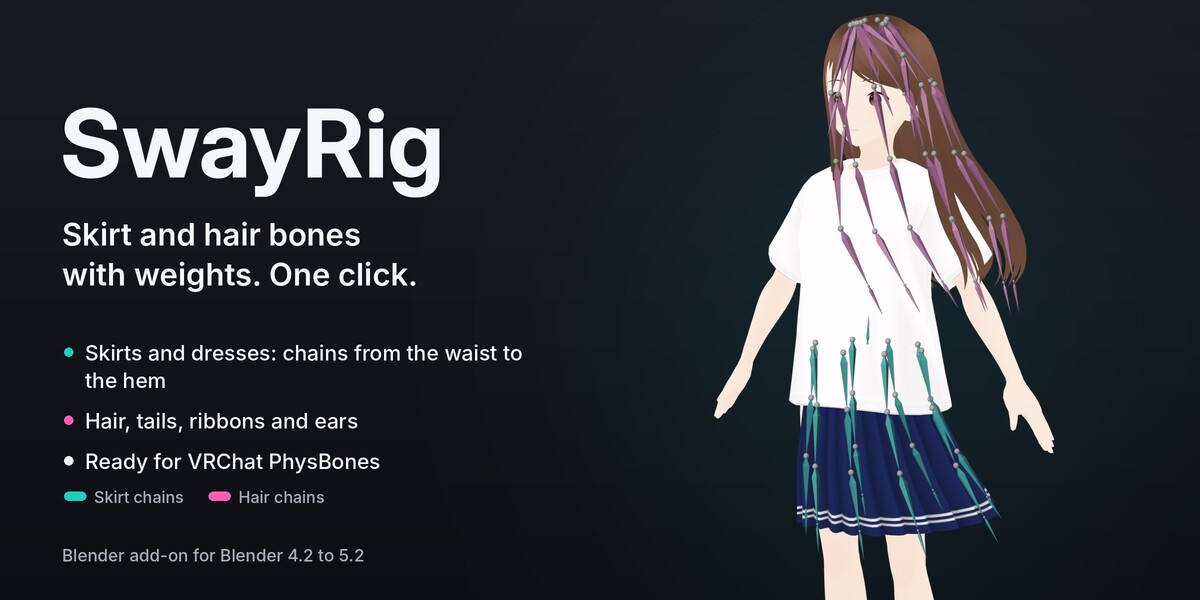
SwayRig creates bone chains and weights for skirts, hair, tails, ribbons, and ears. That can reduce a specific piece of character preparation, especially for avatars heading into VRChat.
Its role needs to be clear: it generates the bones and weights, while the intended physics runs through VRChat PhysBones configured in Unity. The Test Sway feature in Blender is a preview for checking weights, not a physics simulation. It belongs here as a specialised preparation tool rather than an instant solution for finished Blender animation.
For a small project, start with the effect the client will actually see. A product loop might only need Shape It, a controlled camera move, and good lighting. A character gag might revolve around Grab-It and a ragdoll fall. A nature-themed reveal could centre on Baga Ivy’s growth animation.
Choose the tools around that idea, then put the saved time into timing, composition, lighting, and revisions. The goal is a finished shot that communicates clearly and fits the budget.